
Learning is in session
Welcome to Riverside U.


Beginner Basics
Get Started
Everything you need to hit record with confidence.
Learn More -->


Beginner - Advanced
Use Cases
Dive into the details of your specific need.
Learn More -->
Beginner - Advanced
Meet your classmates
Join the Conversation Creator community and learn the most by getting inspired by the best.
Join our growing community: Conversation Creators.
Join group -->


No results found
Try expanding your search.
Maybe you’ll like


Riverside Dashboard Walkthrough
Learn how to navigate through the Riverside dashboard where you can create and manage your recordings studios. We'll walk you through where to find studio recordings and how to share or download these high-quality audio and video tracks.
.webp)
Checklist for Smooth Recording with Riverside
Review a checklist to help you prepare the perfect setting, audio set-up and more for the best recording experience with Riverside.
Heading
More Recording videos
-->
No items found.
Equipment
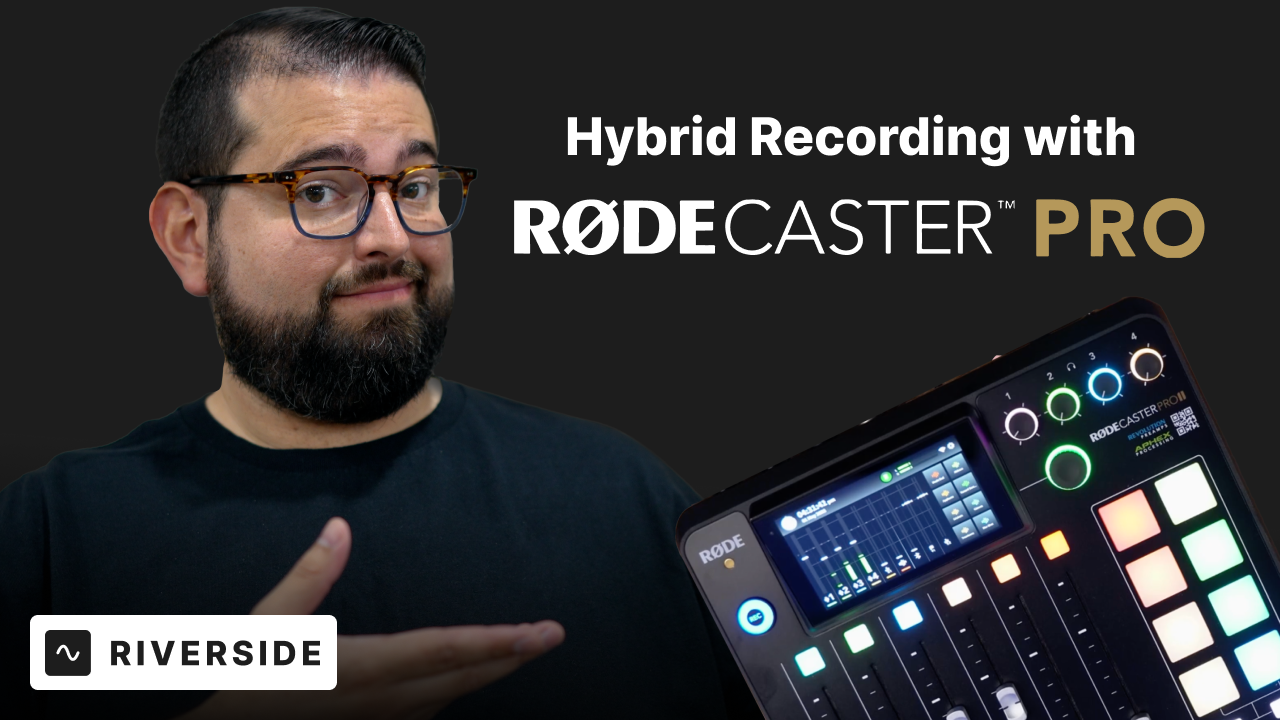
RODECaster Pro II: Ultimate Guide to In-Person and Remote Recording
Learn how to use the RODECaster Pro II to record with in-person and remote guests easily on Riverside. Our comprehensive guide shows you all you need to set up your equipment on the RODECaster Pro II, as well as how to route the audio properly for recording. We'll also explain how to record locally to an SD card or use software like Audio Hijack for separate tracks of each participant.
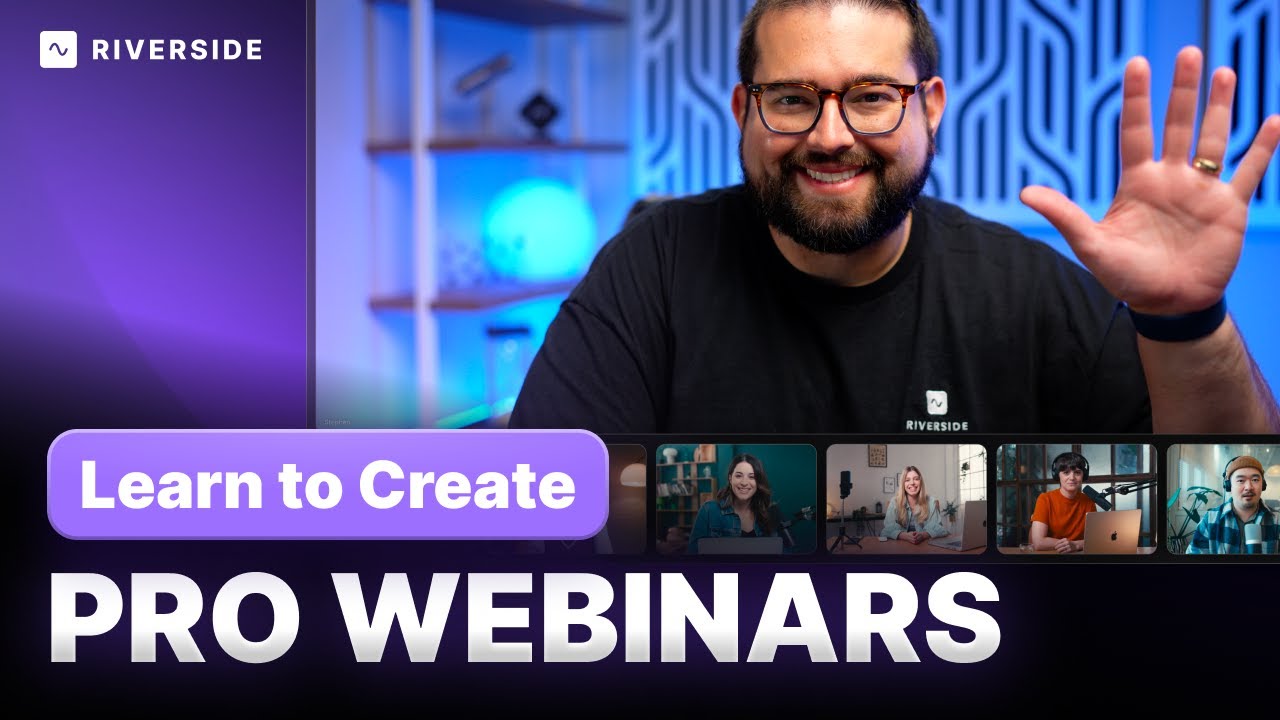
Riverside for webinars
Dive into how Riverside Studio transforms your webinar experience, allowing for interactive elements like slides, screen sharing, and video playbacks, all while ensuring top-notch recording quality for internal or YouTube publishing. Discover the simplicity of creating a webinar studio, inviting participants, and going live with our step-by-step guide.
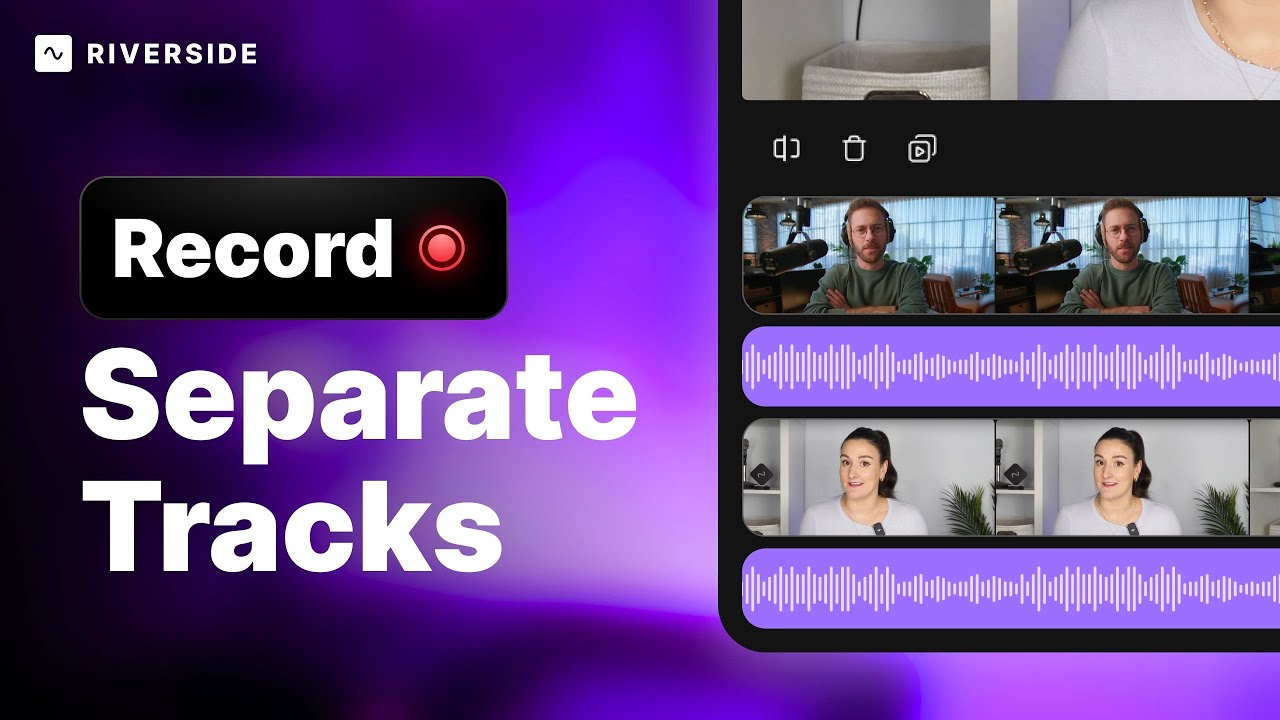
Record Separate Tracks
Discover the art of recording separate video and audio tracks (iso recording) for enhanced editing flexibility in your content and podcast production. Uncover simple yet powerful tools from hardware recorders to innovative software solutions, and learn the ultimate easy method with Riverside for high-quality, seamless recording.
Share recordings with your team
After recording your podcast on Riverside, you can seamlessly share recordings with your production team. Learn how to share individual, high-quality video and audio tracks directly from a Riverside studio! Send them to your producer or editor for post-production and get them ready for publishing with ease.


Get Started
Recording
Editing
Equipment
Publishing & Promotion
See all videos
-->
Use cases
Podcasting
Software
Talking Head Videos
See all videos
-->
Everything you need to start creating


Start creating with Riverside

Features


English


