
Learning is in session
Welcome to Riverside U.


Beginner Basics
Get Started
Everything you need to hit record with confidence.
Learn More -->


Beginner - Advanced
Use Cases
Dive into the details of your specific need.
Learn More -->
Beginner - Advanced
Meet your classmates
Join the Conversation Creator community and learn the most by getting inspired by the best.
Join our growing community: Conversation Creators.
Join group -->


No results found
Try expanding your search.
Maybe you’ll like


Riverside Dashboard Walkthrough
Learn how to navigate through the Riverside dashboard where you can create and manage your recordings studios. We'll walk you through where to find studio recordings and how to share or download these high-quality audio and video tracks.
.webp)
Checklist for Smooth Recording with Riverside
Review a checklist to help you prepare the perfect setting, audio set-up and more for the best recording experience with Riverside.
Heading
More Recording videos
-->
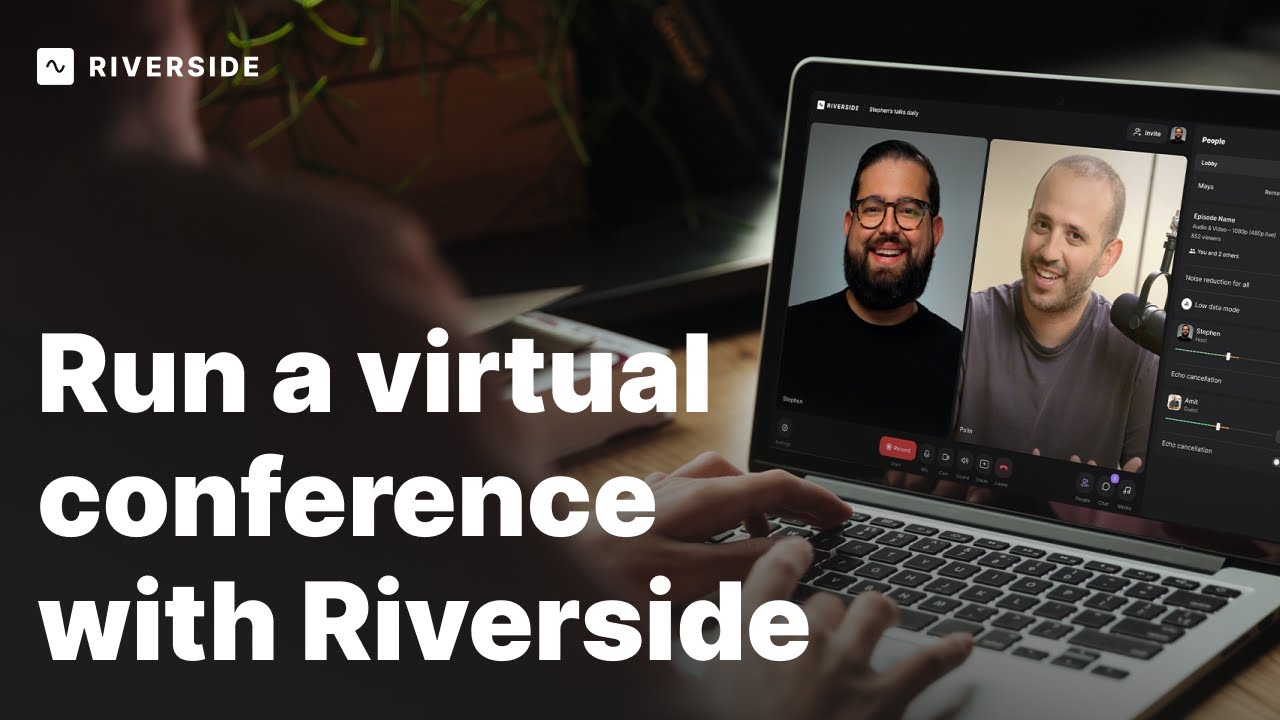
How to Host an Engaging Virtual Event with Riverside
Discover how to host virtual events with ease using Riverside! In this comprehensive guide, we'll walk you through setting up your studio, inviting guests, managing presentations, incorporating countdown timers, media clips, and engaging your audience with live chat. Learn how to stream across multiple platforms and access high-quality video and audio recordings to make your virtual events truly unforgettable.
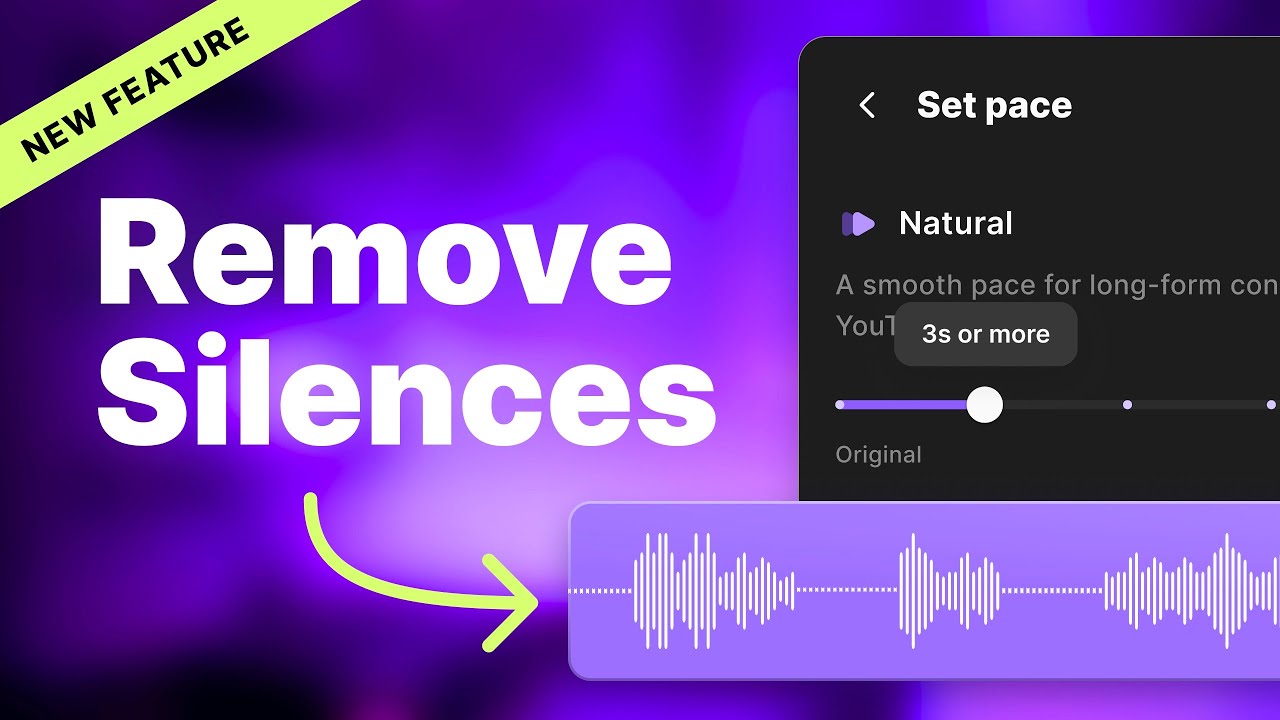
Remove silences with Set Pace
Discover Riverside's innovative feature to precisely remove silences in your podcast and video recordings! Learn how to adjust the silence removal to fit your content's pace, whether it's for engaging podcasts or fast-paced social media clips, and see the transformation in your final export.
No items found.
Editing
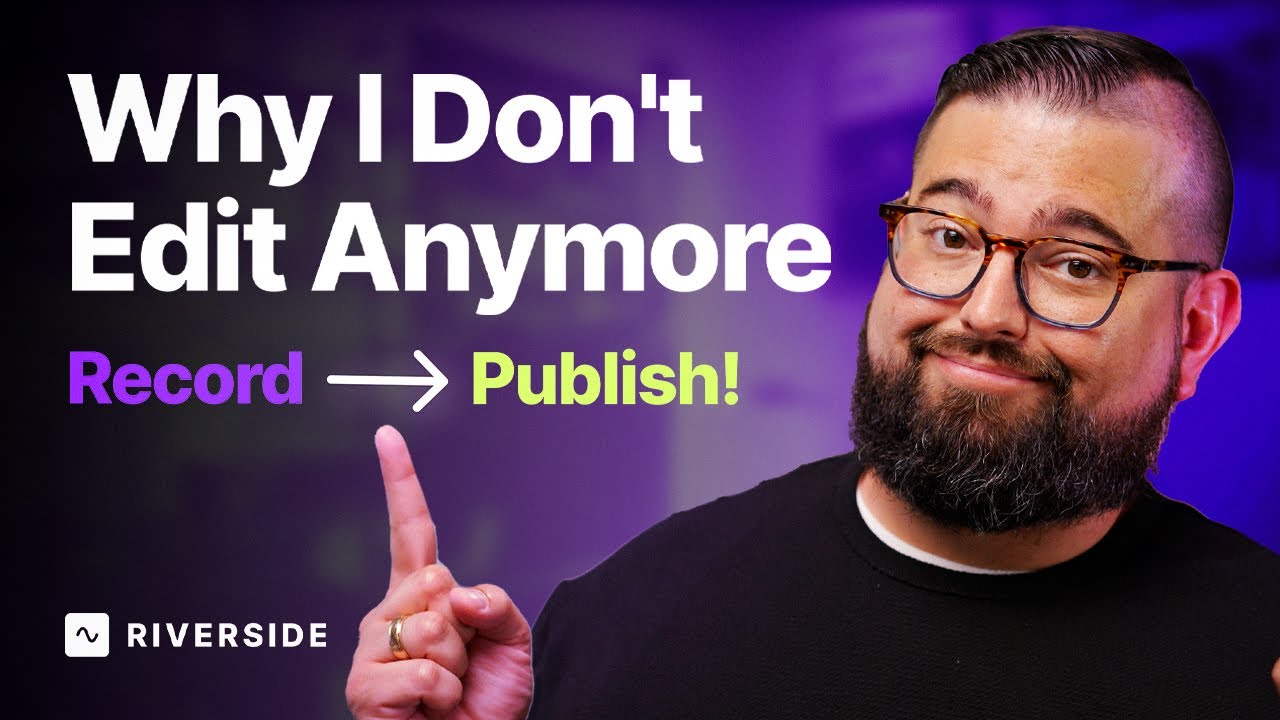
Record Your Podcast for ZERO Editing
Dive into this straightforward approach to video podcasting where planning and Riverside's features like Magic Audio and Set Pace, eliminate the need for post-recording edits. Learn how to plan, record, and publish with minimal fuss, ensuring your content is YouTube-ready in no time.
No items found.
Equipment
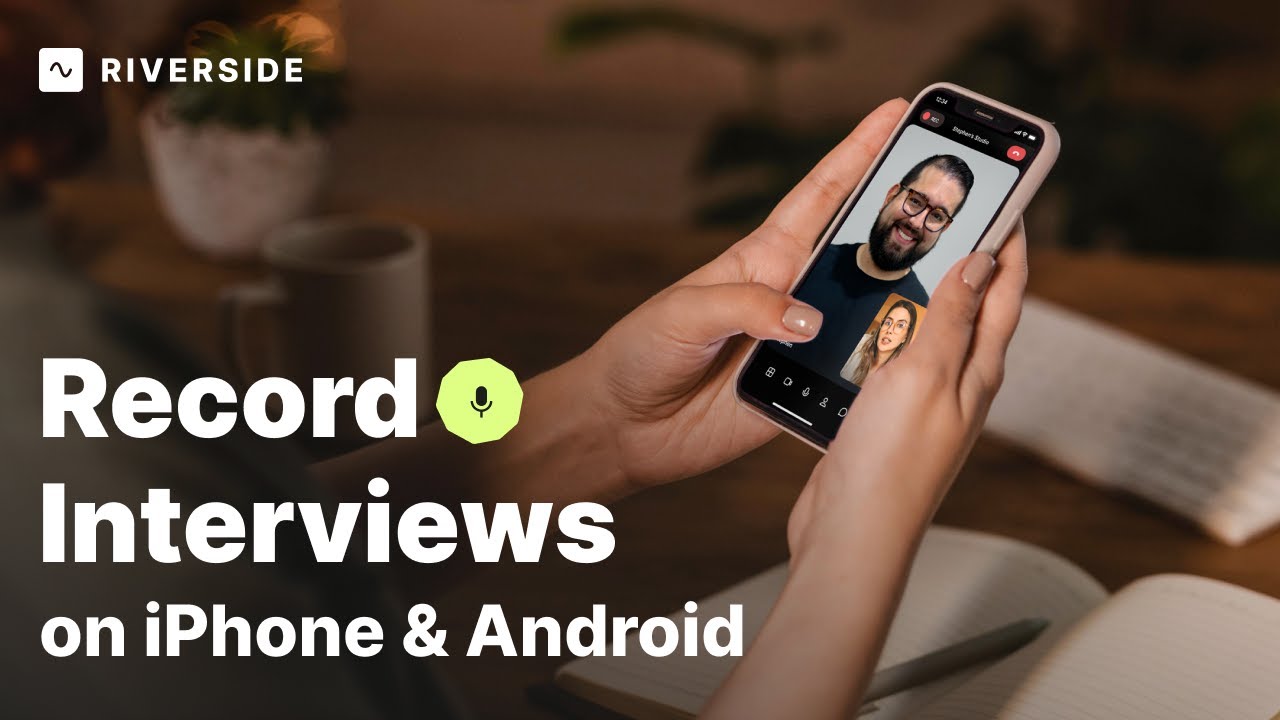
Record Full, In-Person Interviews with Your Phone
Learn how to shoot interviews on iPhone & Android devices with this quick and professional setup! We'll show you what equipment you need, and how to capture high-quality content seamlessly with Riverside's mobile app for remote and in-person interviews. With synced audio and video, and AI transcriptions in over 100 languages, you'll create a professional interview right from your phone easily!


Get Started
Recording
Editing
Equipment
Publishing & Promotion
See all videos
-->
Use cases
Podcasting
Software
Talking Head Videos
See all videos
-->
Everything you need to start creating


Start creating with Riverside

Features


English


