
Learning is in session
Welcome to Riverside U.


Beginner Basics
Get Started
Everything you need to hit record with confidence.
Learn More -->


Beginner - Advanced
Use Cases
Dive into the details of your specific need.
Learn More -->
Beginner - Advanced
Meet your classmates
Join the Conversation Creator community and learn the most by getting inspired by the best.
Join our growing community: Conversation Creators.
Join group -->


No results found
Try expanding your search.
Maybe you’ll like


Riverside Dashboard Walkthrough
Learn how to navigate through the Riverside dashboard where you can create and manage your recordings studios. We'll walk you through where to find studio recordings and how to share or download these high-quality audio and video tracks.
.webp)
Checklist for Smooth Recording with Riverside
Review a checklist to help you prepare the perfect setting, audio set-up and more for the best recording experience with Riverside.
Heading
More Recording videos
-->
Record and edit with the Riverside iPhone app
Discover the latest update to the Riverside iPhone app, featuring groundbreaking capabilities for recording, editing, and exporting 4K videos directly from your mobile device. Learn how to utilize these new features to streamline your content creation process, all from your iPhone!
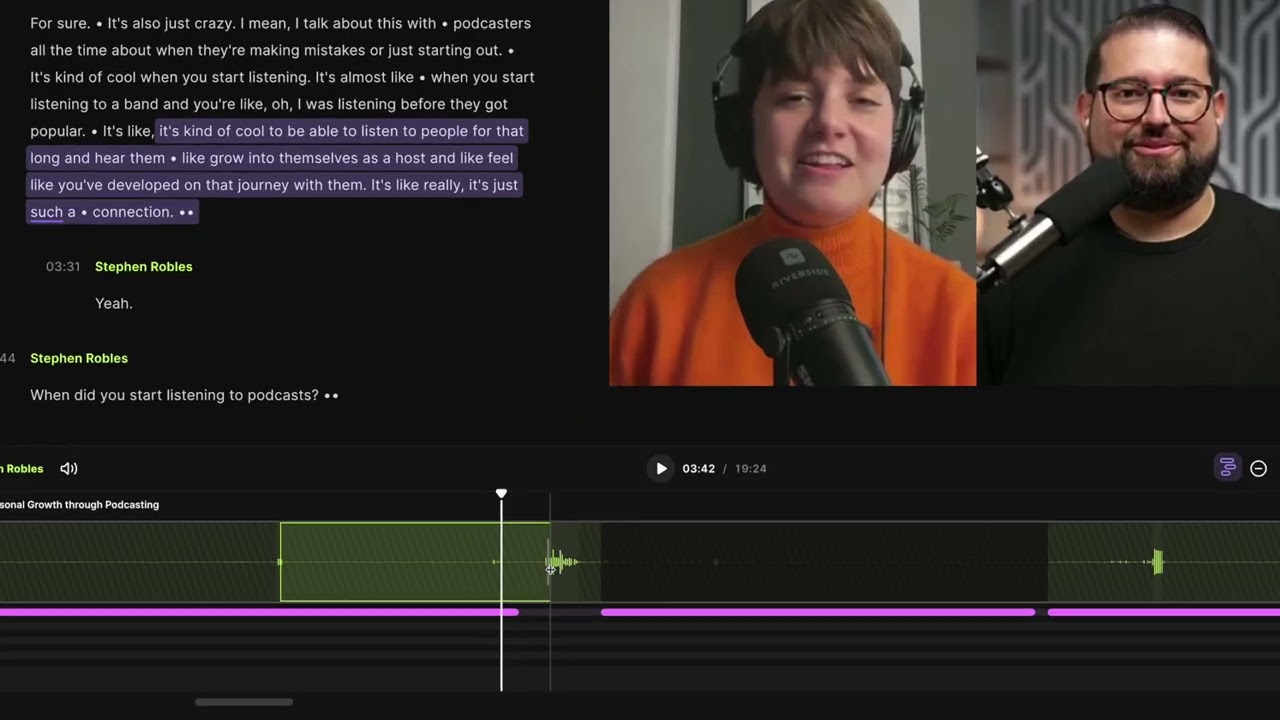
Smart Scenes: Edit Separate Video Tracks
Discover Riverside’s Smart Scenes feature that lets you seamlessly switch video layouts, focus on speakers, and create engaging content. Learn how to edit, add music, captions, and more, all within Riverside’s powerful editor.
Different roles: host, guest, producer, and audience
Explore the four key roles in a Riverside Studio: Host, Guest, Audience, and Producer. This video breaks down each role’s capabilities, from starting recordings to managing live audience interactions, perfect for anyone looking to optimize their Riverside experience.
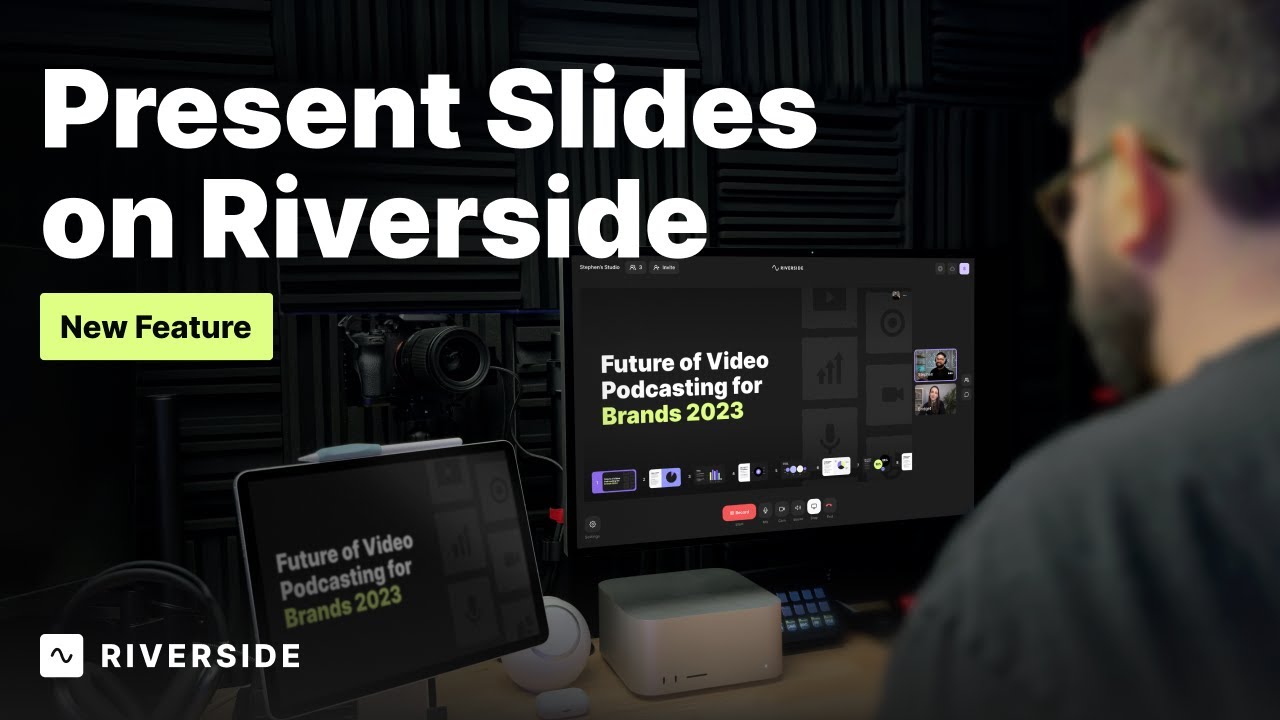
Riverside for video presentations
Share slides when recording with Riverside by uploading a PowerPoint, Keynote, or PDF file to your studio! Presentations are recorded in a high-quality, separate video track you can download later.


Get Started
Recording
Editing
Equipment
Publishing & Promotion
See all videos
-->
Use cases
Podcasting
Software
Talking Head Videos
See all videos
-->
Everything you need to start creating


Start creating with Riverside

Features


English


