
Learning is in session
Welcome to Riverside U.


Beginner Basics
Get Started
Everything you need to hit record with confidence.
Learn More -->


Beginner - Advanced
Use Cases
Dive into the details of your specific need.
Learn More -->
Beginner - Advanced
Meet your classmates
Join the Conversation Creator community and learn the most by getting inspired by the best.
Join our growing community: Conversation Creators.
Join group -->


No results found
Try expanding your search.
Maybe you’ll like


Riverside Dashboard Walkthrough
Learn how to navigate through the Riverside dashboard where you can create and manage your recordings studios. We'll walk you through where to find studio recordings and how to share or download these high-quality audio and video tracks.
.webp)
Checklist for Smooth Recording with Riverside
Review a checklist to help you prepare the perfect setting, audio set-up and more for the best recording experience with Riverside.
Heading
More Recording videos
-->
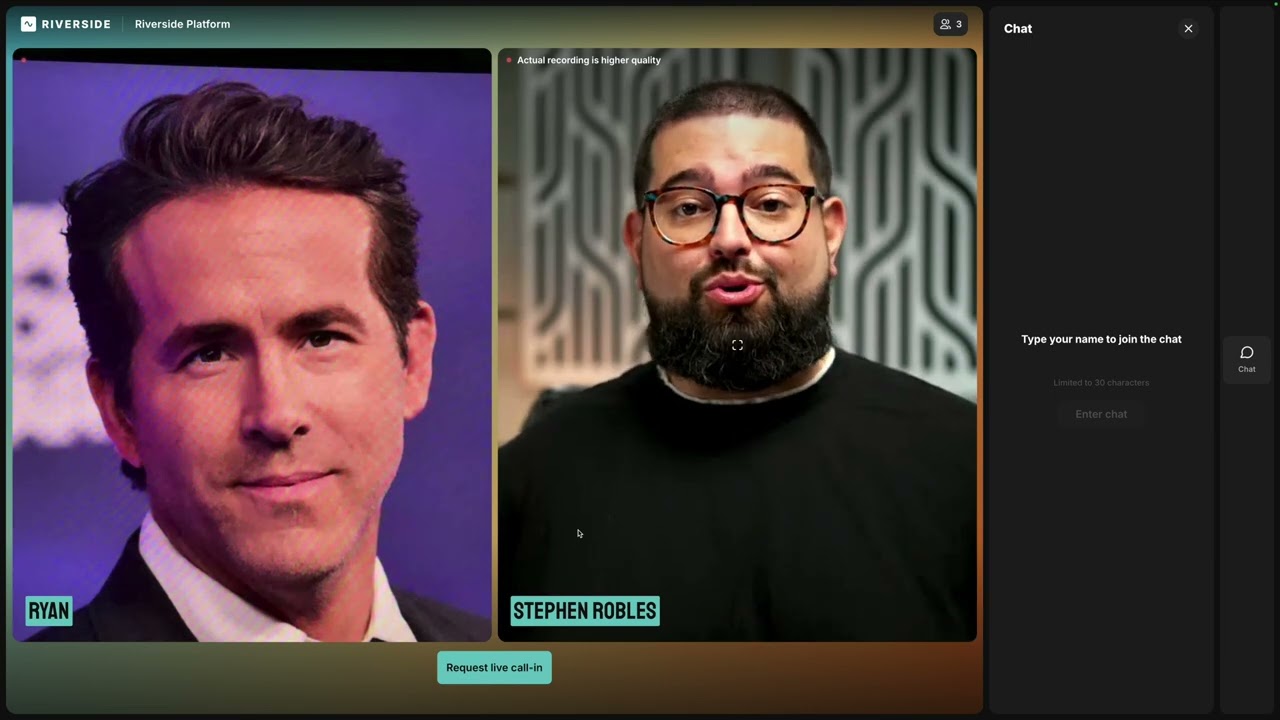
Producer mode
Discover how to effectively use Producer Mode in Riverside to manage technical aspects during recordings and live streams. From adjusting audio levels to managing media and guests, learn how to enhance your production with these powerful tools.
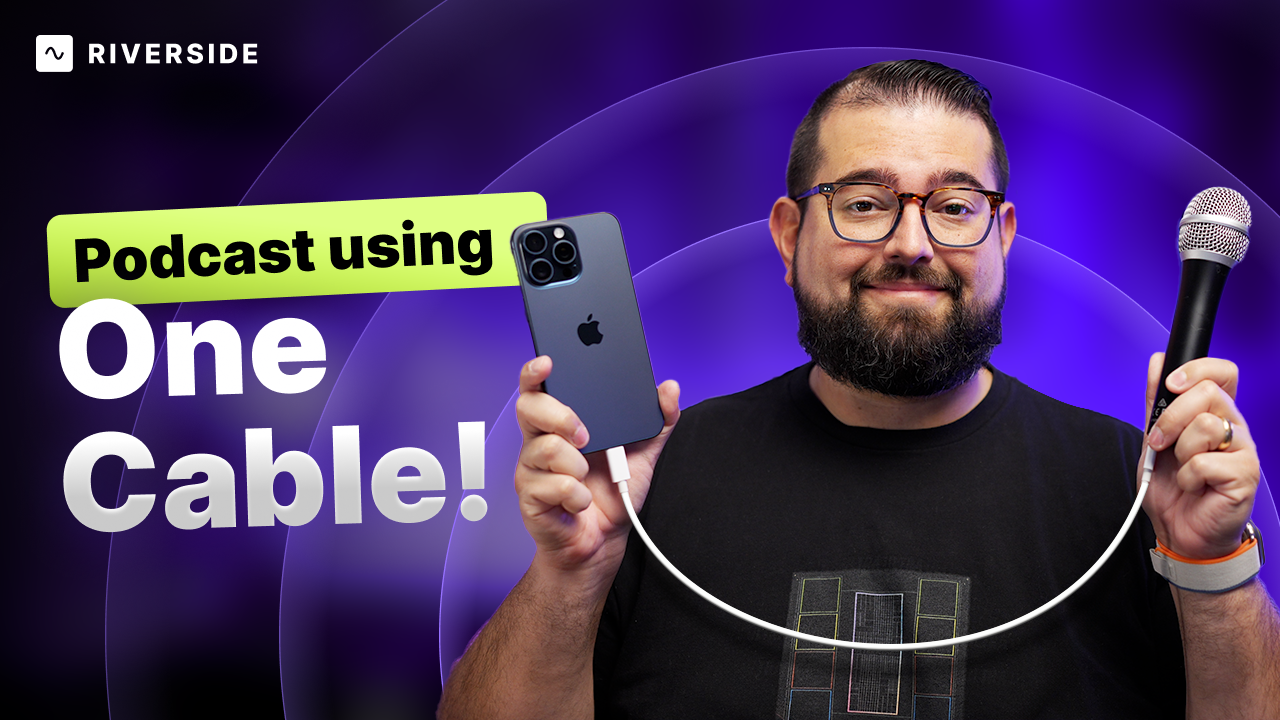
Podcast with iPhone 15: USB-C Mics, Audio Gear, and More!
Upgrade your podcast setup using the iPhone 15's USB-C capabilities—from connecting high-quality USB mics to multi-channel audio interfaces for remote guests, all on a budget!
No items found.
Podcasting
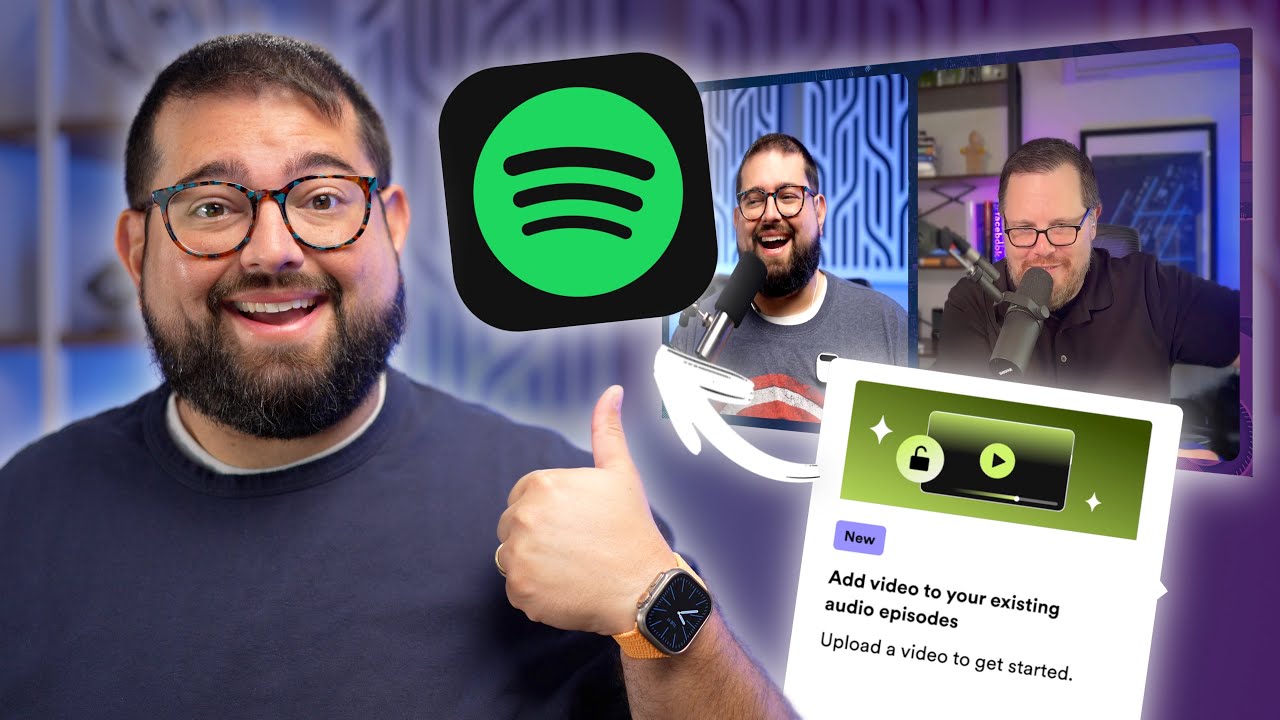
Spotify Opens Video Podcasts for Everyone
Learn how to upload your video podcast to Spotify regardless of where your audio RSS feed is hosted!. This step-by-step guide will show you how to add video to your existing episodes and use Riverside for seamless recording and editing. Expand your podcast’s reach with these free tools!
No items found.
Podcasting
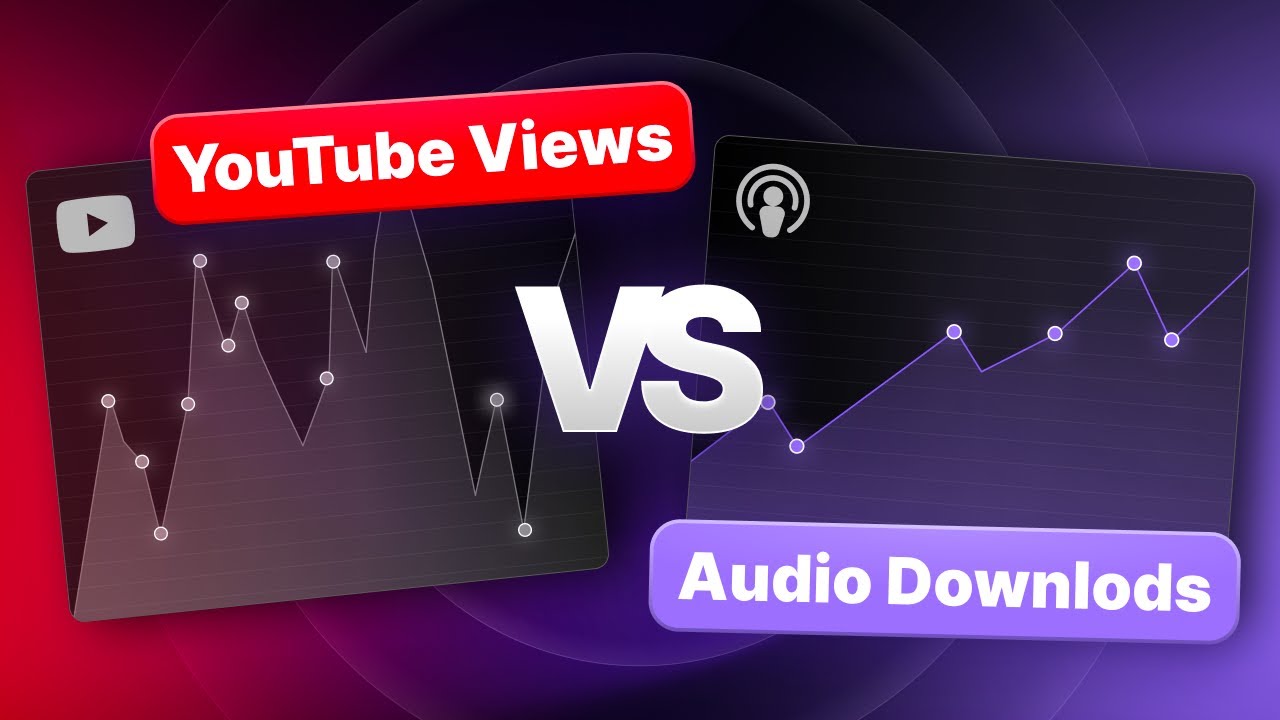
Should Your Podcast Focus on Video or Audio?
Discover the pivotal role of audio downloads and video views in podcast growth through a detailed analysis of a newly launched podcast's journey. Learn why balancing both platforms is crucial for discovery and building lasting relationships with your audience.


Get Started
Recording
Editing
Equipment
Publishing & Promotion
See all videos
-->
Use cases
Podcasting
Software
Talking Head Videos
See all videos
-->
Everything you need to start creating


Start creating with Riverside

Features


English


