
Learning is in session
Welcome to Riverside U.


Beginner Basics
Get Started
Everything you need to hit record with confidence.
Learn More -->


Beginner - Advanced
Use Cases
Dive into the details of your specific need.
Learn More -->
Beginner - Advanced
Meet your classmates
Join the Conversation Creator community and learn the most by getting inspired by the best.
Join our growing community: Conversation Creators.
Join group -->


No results found
Try expanding your search.
Maybe you’ll like


Riverside Dashboard Walkthrough
Learn how to navigate through the Riverside dashboard where you can create and manage your recordings studios. We'll walk you through where to find studio recordings and how to share or download these high-quality audio and video tracks.
.webp)
Checklist for Smooth Recording with Riverside
Review a checklist to help you prepare the perfect setting, audio set-up and more for the best recording experience with Riverside.
Heading
More Recording videos
-->
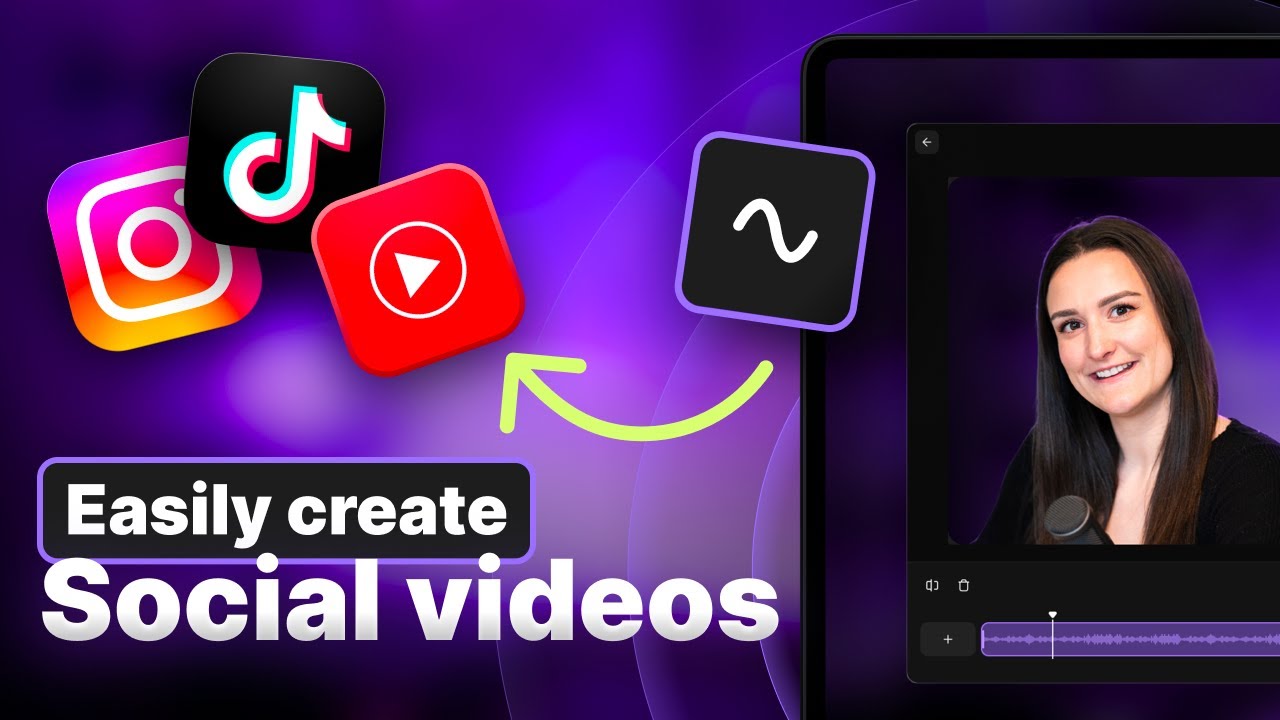
Riverside for social media content
Looking for the best social media video maker? In this video, Bridget talks about the importance of showing your face in social media videos and how it can help you connect with your audience. She also demonstrates how easy it is to create professional-looking social media videos using the best social media video maker. At the end of the video, you’ll explore various social media video ideas to help you get started.
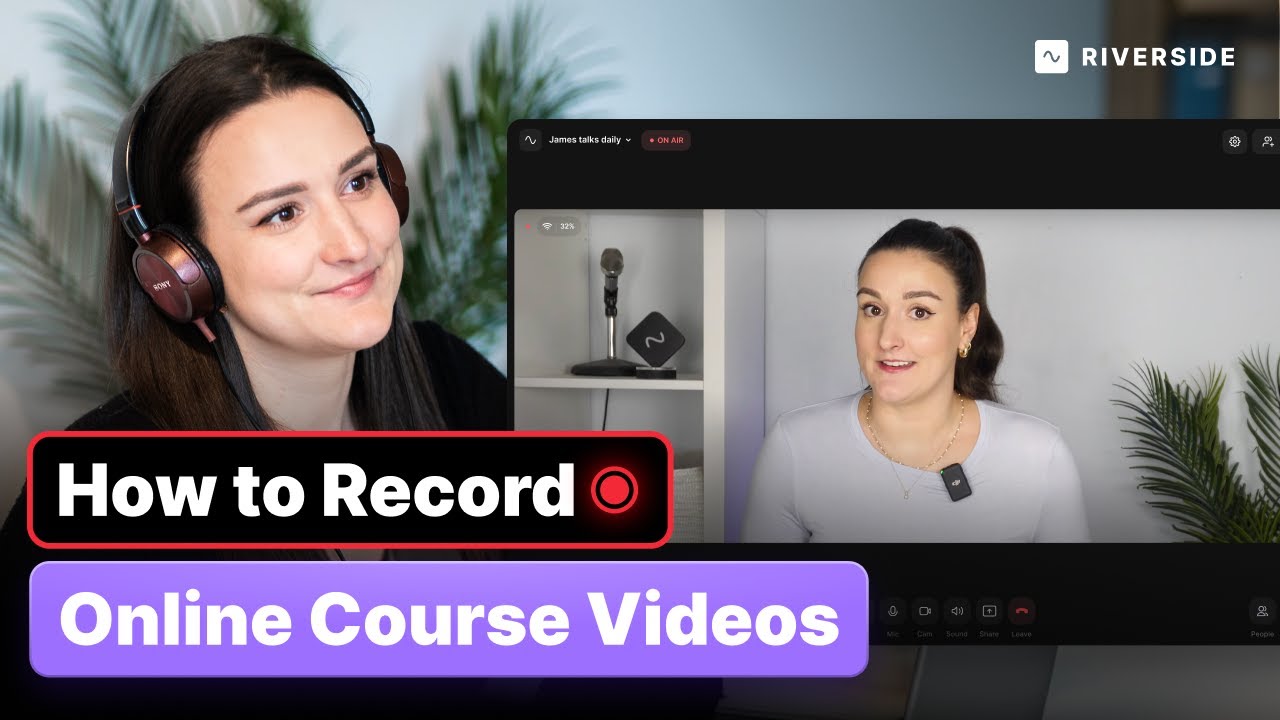
Riverside for online courses
Are you looking to record online course videos? Look no further! In this video, Bridget from Riverside will walk you through the step by step process of how to easily record high quality audio and video for your online course. You’ll learn about what audio and video equipment you’ll need, how to record both talking head videos and powerpoint presentations, and how to edit your online course video together using the Riverside editor.
No items found.
Equipment
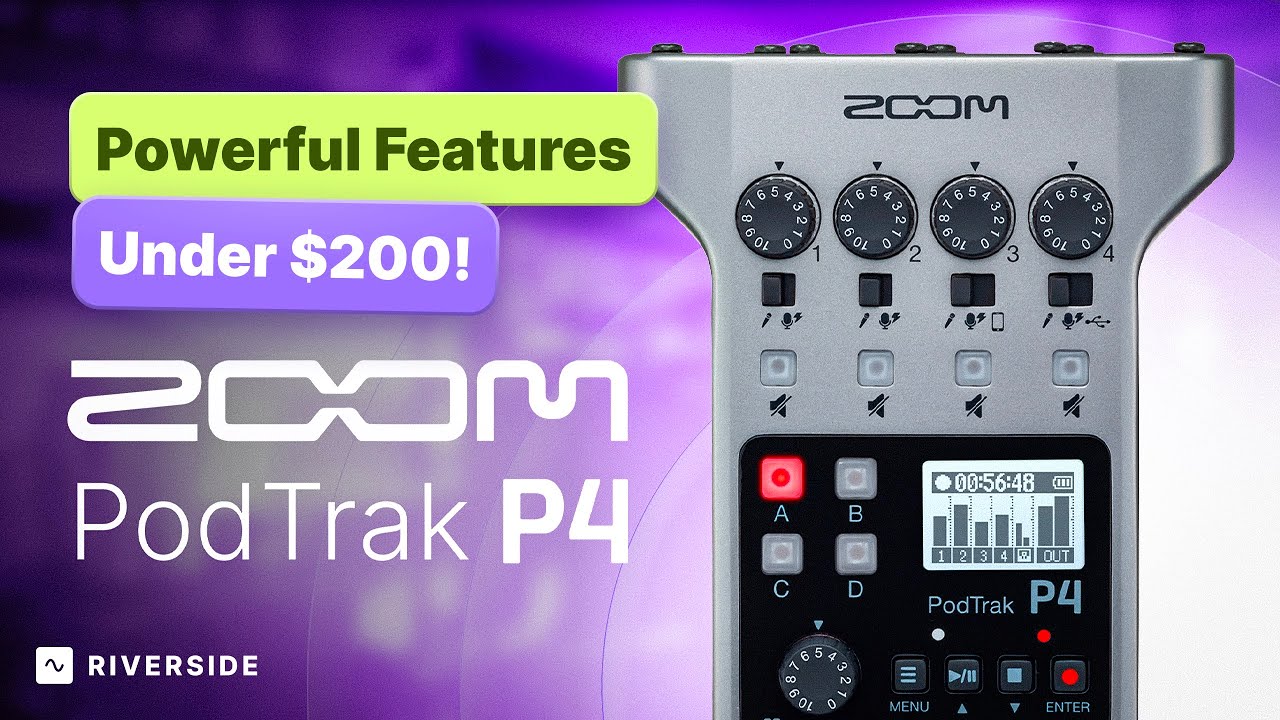
PodTrack P4 Full Setup Guide and Using with Riverside
Explore the versatile PodTrack P4 by Zoom and learn how to set it up for hybrid podcast recording with Riverside. Discover tips for managing in-person and remote guests, recording to an SD card, and optimizing audio interface settings for your podcast.
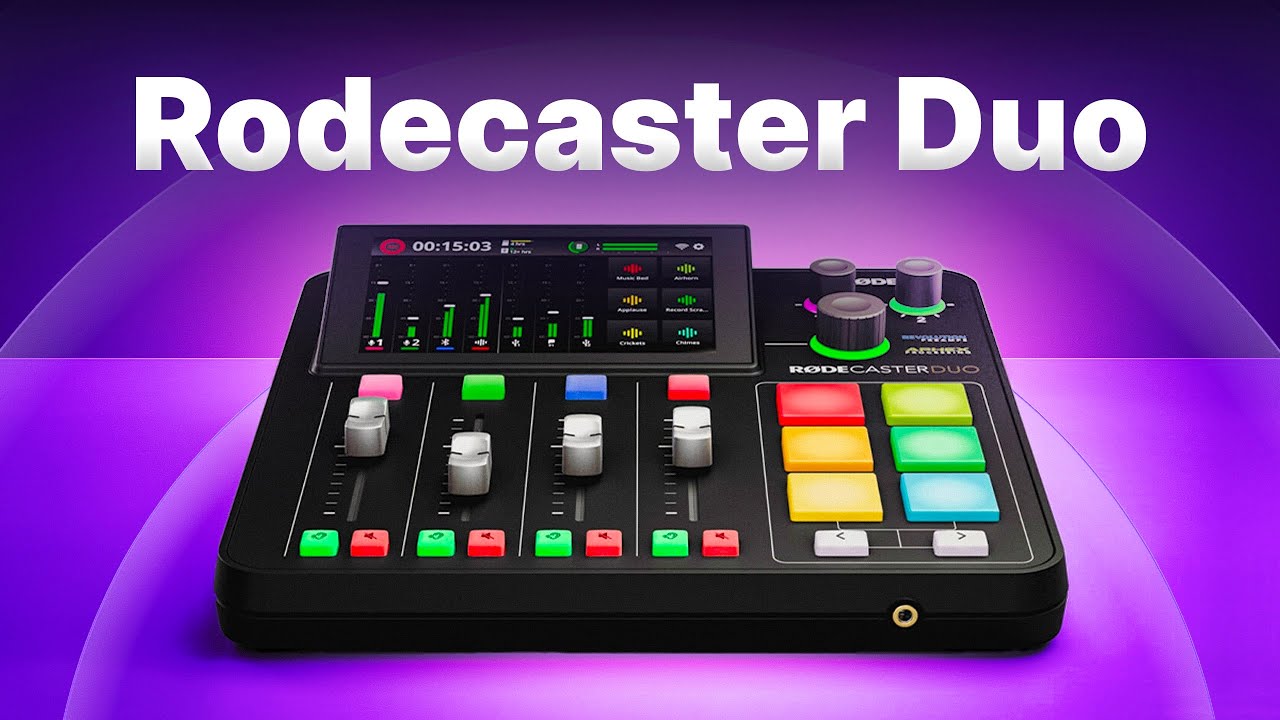
Rodecaster Duo for recording podcasts
Learn how to seamlessly integrate the Roadcaster Duo with Riverside for professional-grade audio and video recordings. This step-by-step Rodecaster Duo tutorial covers everything from initial setup to recording with multiple microphones, ensuring top-quality content every time.


Get Started
Recording
Editing
Equipment
Publishing & Promotion
See all videos
-->
Use cases
Podcasting
Software
Talking Head Videos
See all videos
-->
Everything you need to start creating


Start creating with Riverside

Features


English


