
Learning is in session
Welcome to Riverside U.


Beginner Basics
Get Started
Everything you need to hit record with confidence.
Learn More -->


Beginner - Advanced
Use Cases
Dive into the details of your specific need.
Learn More -->
Beginner - Advanced
Meet your classmates
Join the Conversation Creator community and learn the most by getting inspired by the best.
Join our growing community: Conversation Creators.
Join group -->


No results found
Try expanding your search.
Maybe you’ll like


Riverside Dashboard Walkthrough
Learn how to navigate through the Riverside dashboard where you can create and manage your recordings studios. We'll walk you through where to find studio recordings and how to share or download these high-quality audio and video tracks.
.webp)
Checklist for Smooth Recording with Riverside
Review a checklist to help you prepare the perfect setting, audio set-up and more for the best recording experience with Riverside.
Heading
More Recording videos
-->
No items found.
Use cases
How to Easily Record Panel Discussions Remotely
Host and live stream a full panel discussion with multiple speakers, and even accept live call-in questions from viewers on Riverside! Learn how you can leverage online recording, Producer mode, and more.
No items found.
Recording
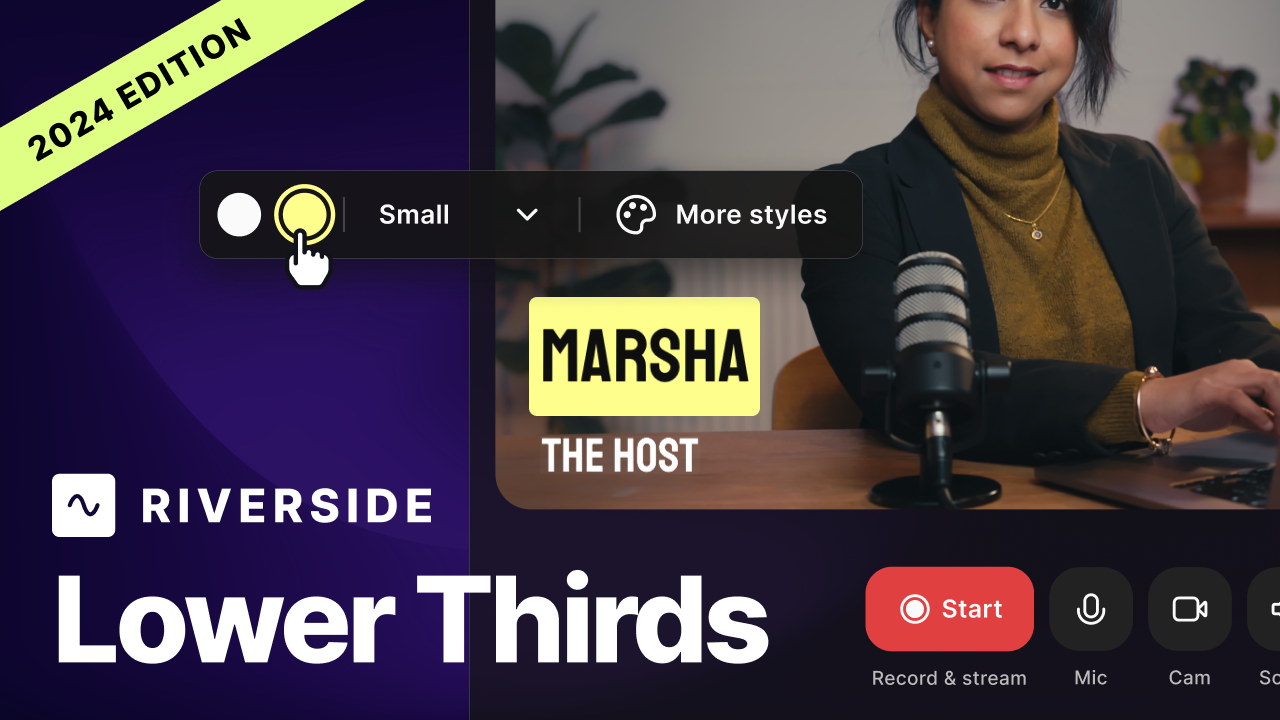
How to Add Lower Thirds and Overlays on Live Videos
Find out how to add lower thirds, titles and graphic overlays when you live stream with Riverside! This video covers methods on to do it with OBS, the BlackMagic ATEM Mini Pro Switcher.
No items found.
Get Started
Guest Experience on Desktop
Deep dive into the guest experience on Riverside. In this video, we'll go over how you can invite guests to your Riverside studio and go over their experience once they get your invite.
No items found.
Use cases
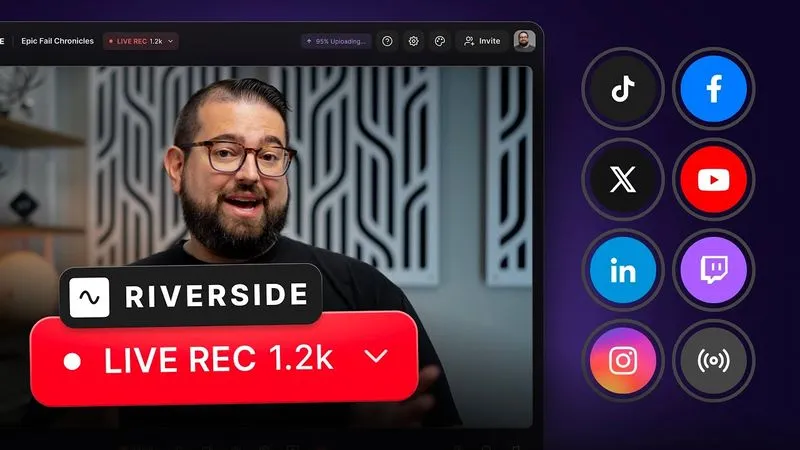
How to Live Stream with Riverside
Learn how to live stream in the Riverside studio, as well as to external platforms like YouTube, Twitch, Twitter, and LinkedIn,


Get Started
Recording
Editing
Equipment
Publishing & Promotion
See all videos
-->
Use cases
Podcasting
Software
Talking Head Videos
See all videos
-->
Everything you need to start creating


Start creating with Riverside

Features


English


