
Learning is in session
Welcome to Riverside U.


Beginner Basics
Get Started
Everything you need to hit record with confidence.
Learn More -->


Beginner - Advanced
Use Cases
Dive into the details of your specific need.
Learn More -->
Beginner - Advanced
Meet your classmates
Join the Conversation Creator community and learn the most by getting inspired by the best.
Join our growing community: Conversation Creators.
Join group -->


No results found
Try expanding your search.
Maybe you’ll like


Riverside Dashboard Walkthrough
Learn how to navigate through the Riverside dashboard where you can create and manage your recordings studios. We'll walk you through where to find studio recordings and how to share or download these high-quality audio and video tracks.
.webp)
Checklist for Smooth Recording with Riverside
Review a checklist to help you prepare the perfect setting, audio set-up and more for the best recording experience with Riverside.
Heading
More Recording videos
-->
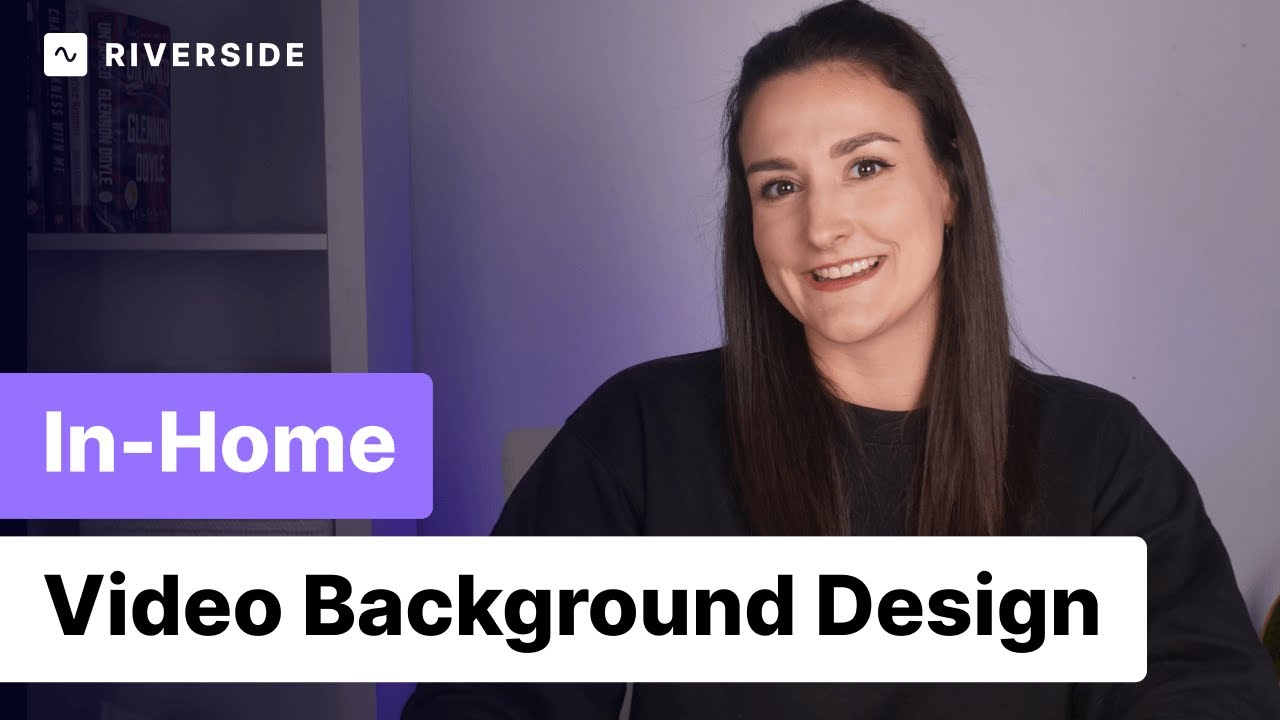
How to Set Up Your Background For Video (Using the Space You Already Have!)
Whether your recording a talking head video, a video podcast, a tutorial video, a presentation, or even if you are just attending conference calls, you want to make sure you've planned out your video background to look clean and professional. In this video, Bridget will give you tips on how to set up a video background in the space you already have, to help you make high quality videos that stand out.
No items found.
Equipment
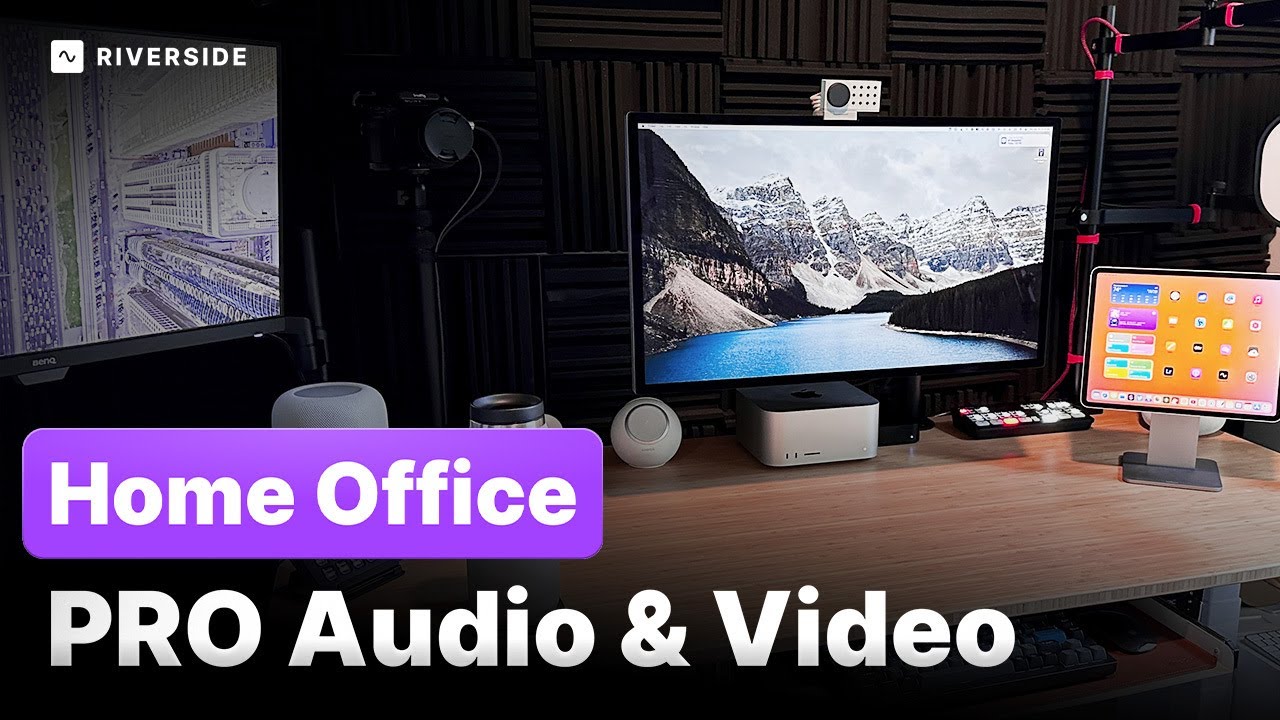
How to Build a Video Podcast Setup at Home
Now is a great time to add video to your podcast! Here's everything you need from lighting, audio, cameras, and more to make sure your video podcast looks the best it can.
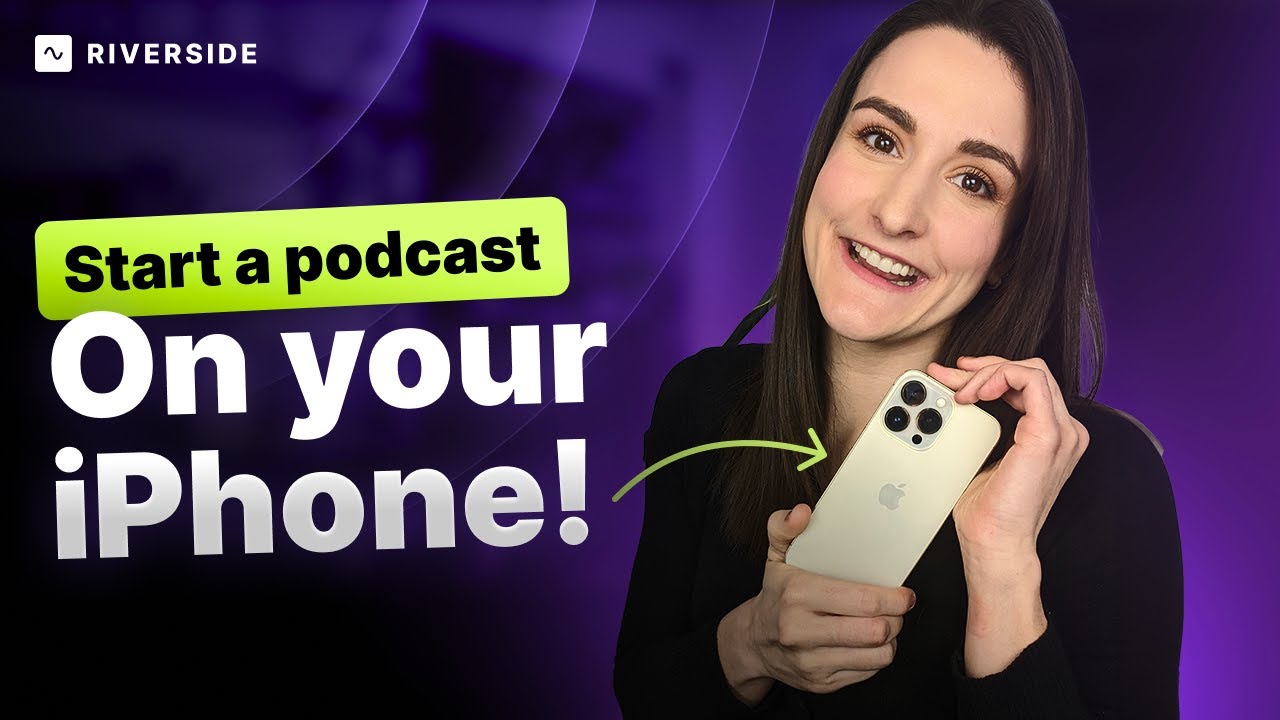
How to Record and Edit a Podcast on iPhone (For Free)
Learn how to start a podcast on your iPhone in less than 5 minutes with the Riverside app. You don't need to invest in expensive equipment to get started. Simply download the app, sign up for an account, and create a studio for your podcast. Invite others to join and start recording in landscape mode. Once you're done, the software automatically uploads your recording to the cloud for easy editing on your computer. With Riverside's editing tools, you can add intros, outros, and captions, and even export your podcast in up to 4k. Get your podcast up and running with the Riverside App today.
.webp)
No items found.
Use cases
How to Make Engaging Talking Head Videos
Learn how to create engaging talking-head videos in high quality. We'll show you how to incorporate slides, video, and audio clips into your talking head content, plus how to export a finished 4K video or separate tracks for seamless advanced editing.


Get Started
Recording
Editing
Equipment
Publishing & Promotion
See all videos
-->
Use cases
Podcasting
Software
Talking Head Videos
See all videos
-->
Everything you need to start creating


Start creating with Riverside

Features


English


