
Learning is in session
Welcome to Riverside U.


Beginner Basics
Get Started
Everything you need to hit record with confidence.
Learn More -->


Beginner - Advanced
Use Cases
Dive into the details of your specific need.
Learn More -->
Beginner - Advanced
Meet your classmates
Join the Conversation Creator community and learn the most by getting inspired by the best.
Join our growing community: Conversation Creators.
Join group -->


No results found
Try expanding your search.
Maybe you’ll like


Riverside Dashboard Walkthrough
Learn how to navigate through the Riverside dashboard where you can create and manage your recordings studios. We'll walk you through where to find studio recordings and how to share or download these high-quality audio and video tracks.
.webp)
Checklist for Smooth Recording with Riverside
Review a checklist to help you prepare the perfect setting, audio set-up and more for the best recording experience with Riverside.
Heading
More Recording videos
-->
No items found.
Equipment
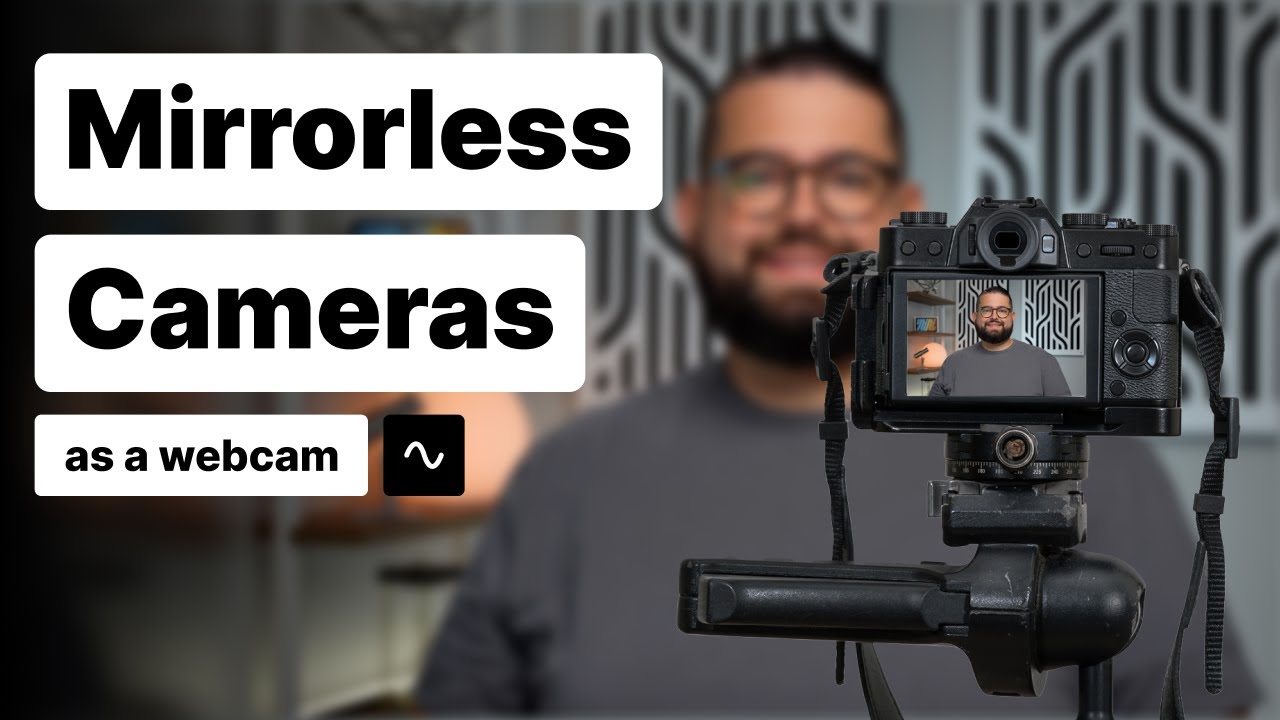
How to Use a Mirrorless or DSLR Camera as a Webcam
Watch this video to learn how to use a mirrorless camera as a webcam. Mirrorless cameras from Sony, Canon, Panasonic, and Nikon can connect directly to your computer and be used as a webcam! Download your camera maker's webcam utility software (links below), connect with a USB cable, and get high-quality video when you record with Riverside.
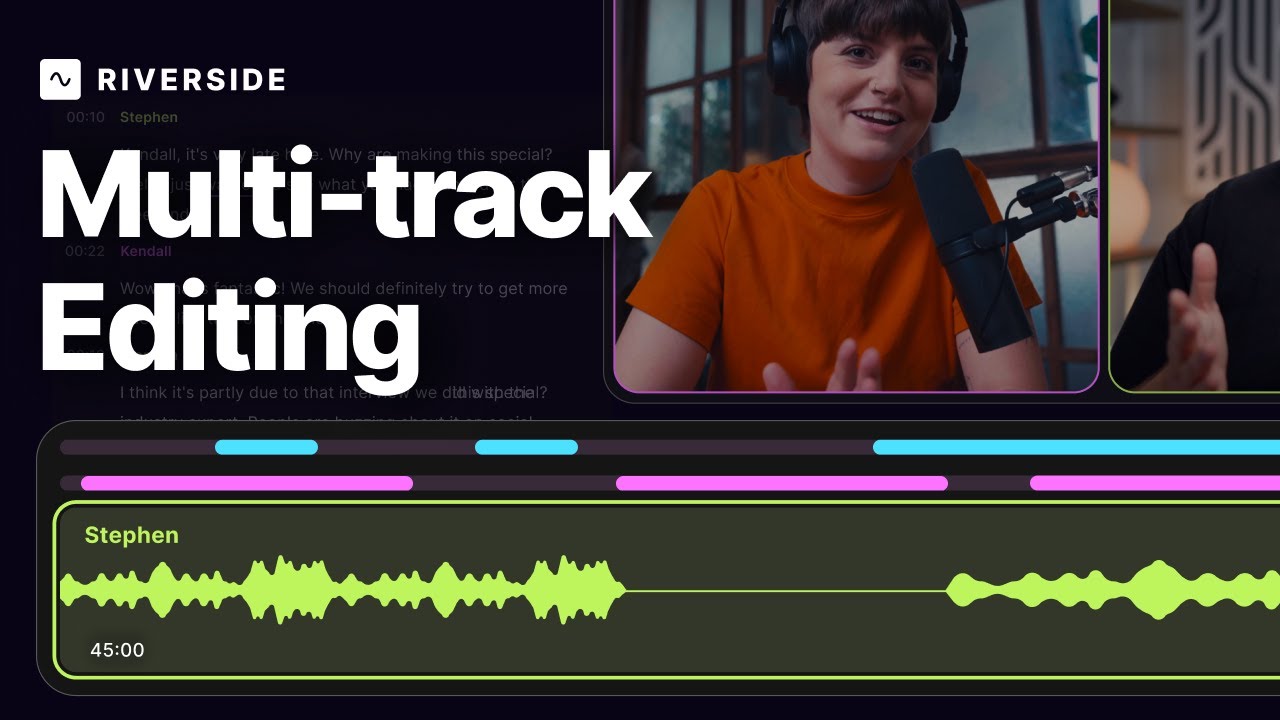
Multi-track editing: Edit Separate Audio Tracks
Discover Riverside’s latest features for editing individual tracks! Learn how to eliminate crosstalk, adjust volume manually, and apply magic audio tools to enhance your recordings. Watch the full tutorial to see these tools in action and make your editing process smoother than ever.
Leveraging Transcription Use Cases in Podcast Recording
Master Riverside's AI-powered transcription editor to speed up your content editing process! In this video, we share top recording strategies for text-based editing. We'll show you how to highlight important segments, and easily find the exact quote you're looking for without rewatching your recordings.
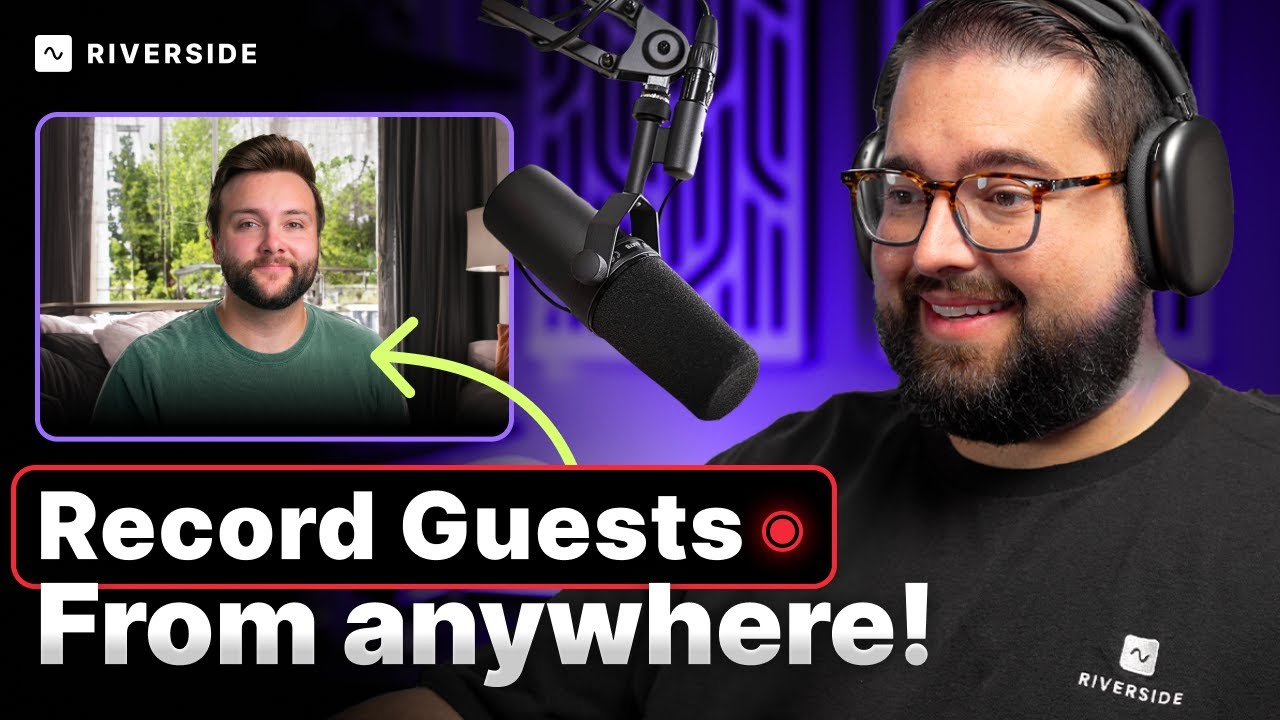
Master Remote Video Recording: How to Get Quality Audio & Video
Learn how to enhance your remote video recording process! This tutorial walks you through the ideal remote studio setup and how to assist your remote guests in improving their own audio and video quality. We explore simple tools like using an iPhone or USB Mic, but we also cover more advanced gear like the Sony A7 IV and Blackmagic ATEM Mini Pro Switcher. We end off touching on post production and how to promote your content on social media. You'll discover how Riverside, a leading online recording platform, can streamline your recording and editing process.


Get Started
Recording
Editing
Equipment
Publishing & Promotion
See all videos
-->
Use cases
Podcasting
Software
Talking Head Videos
See all videos
-->
Everything you need to start creating


Start creating with Riverside

Features


English


