
Learning is in session
Welcome to Riverside U.


Beginner Basics
Get Started
Everything you need to hit record with confidence.
Learn More -->


Beginner - Advanced
Use Cases
Dive into the details of your specific need.
Learn More -->
Beginner - Advanced
Meet your classmates
Join the Conversation Creator community and learn the most by getting inspired by the best.
Join our growing community: Conversation Creators.
Join group -->


No results found
Try expanding your search.
Maybe you’ll like


Riverside Dashboard Walkthrough
Learn how to navigate through the Riverside dashboard where you can create and manage your recordings studios. We'll walk you through where to find studio recordings and how to share or download these high-quality audio and video tracks.
.webp)
Checklist for Smooth Recording with Riverside
Review a checklist to help you prepare the perfect setting, audio set-up and more for the best recording experience with Riverside.
Heading
More Recording videos
-->
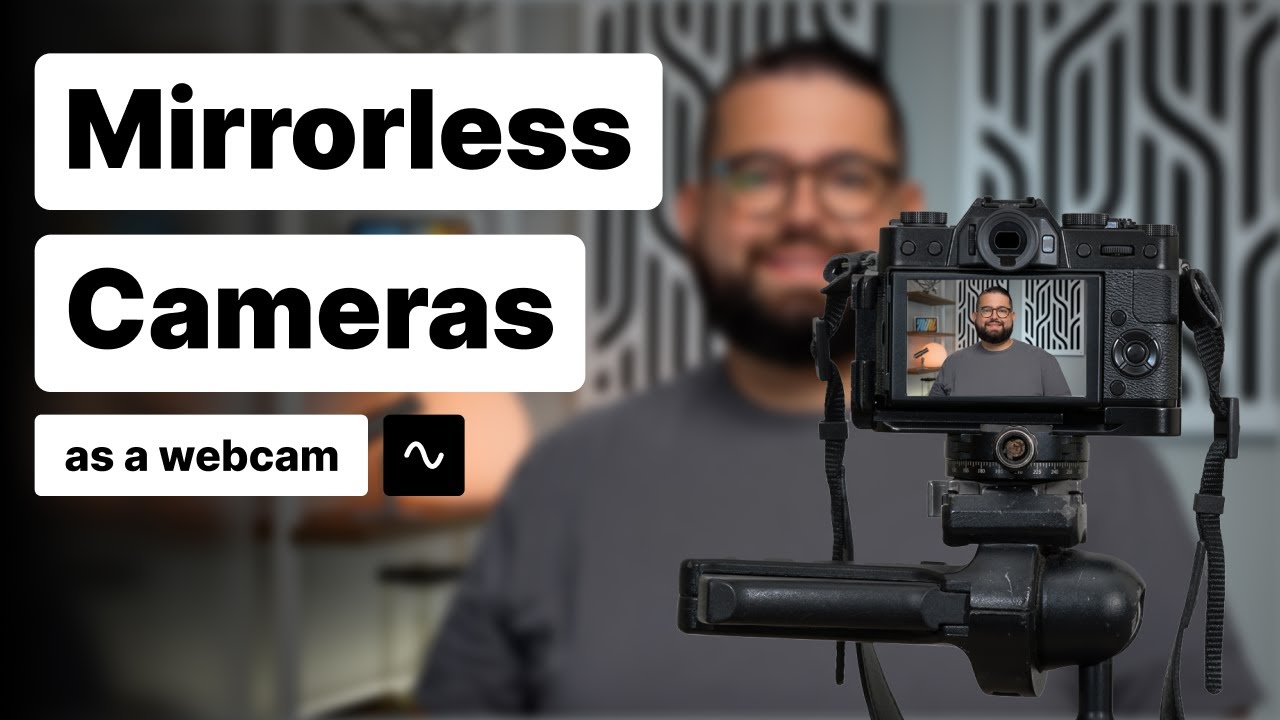
How to Use a Mirrorless Camera as a Webcam
Watch this video to learn how to use a mirrorless camera as a webcam. Mirrorless cameras from Sony, Canon, Panasonic, and Nikon can connect directly to your computer and be used as a webcam! Download your camera maker's webcam utility software (links below), connect with a USB cable, and get high-quality video when you record with Riverside.
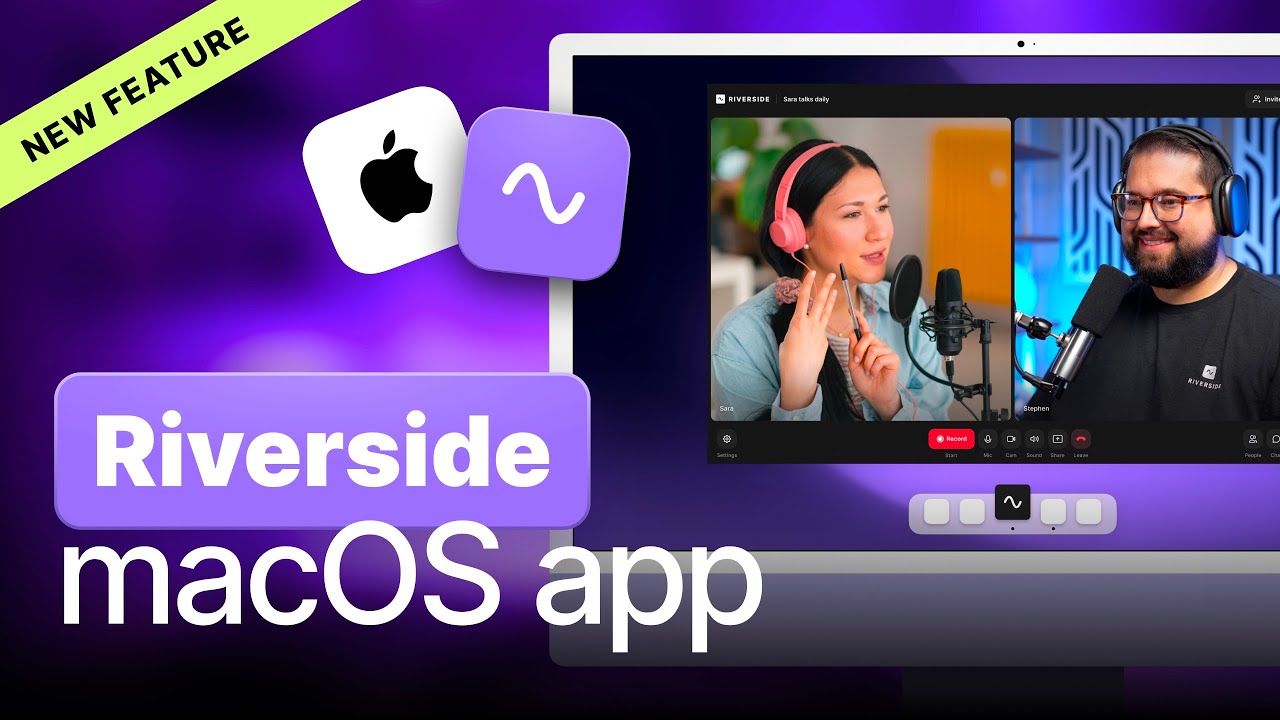
MacApp
Dive into the game-changing Riverside Studio Mac app for seamless podcast recording and enhanced features. Benefits like access to full computer storage, local screen sharing, and third-party video capture devices for top-notch audio and video quality in your podcasts.
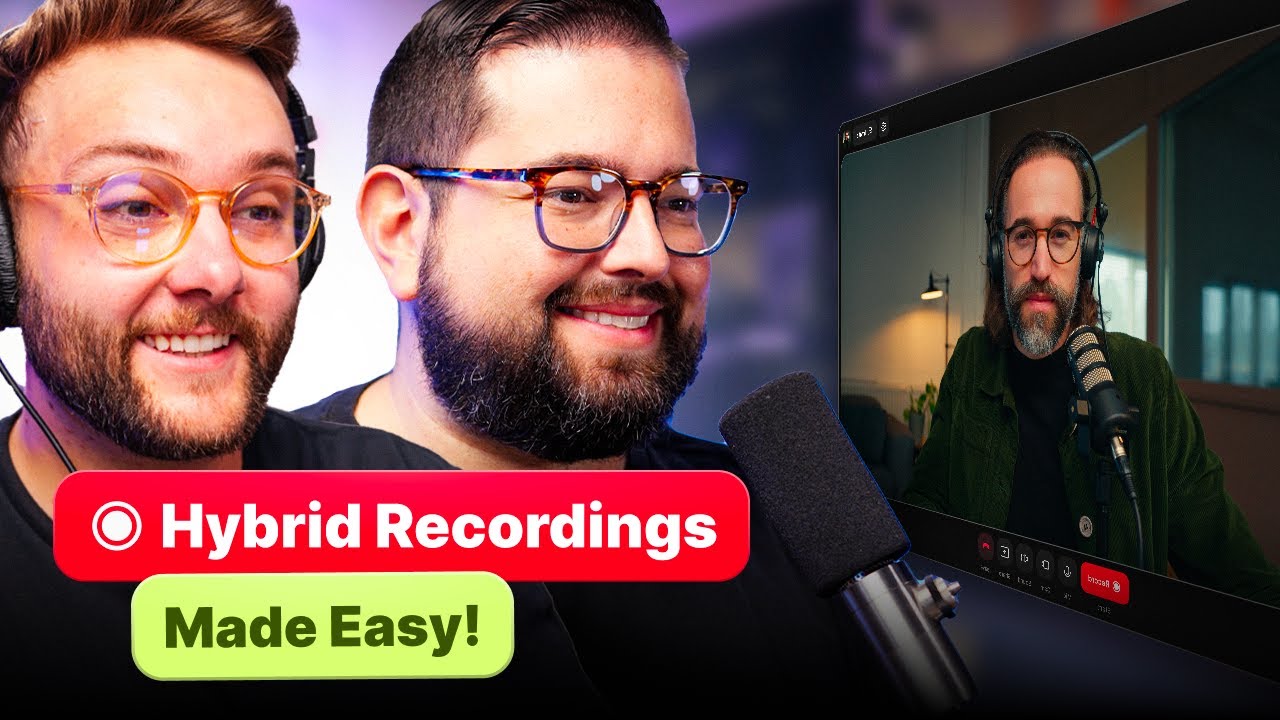
Hybrid Podcasting: In-Person + Remote Guests
Discover how to effortlessly record hybrid podcasts with both in-person and remote guests using Riverside and your everyday devices. Learn about Riverside's Magic Audio feature and simple setup tricks for studio-quality sound without external mics or webcams.
.png)
No items found.
Software
Introduction to the New Studio Settings & Sidebar
This video will walk you through the new studio settings and sidebar in the Riverside studio to make sure you get the best recording quality.


Get Started
Recording
Editing
Equipment
Publishing & Promotion
See all videos
-->
Use cases
Podcasting
Software
Talking Head Videos
See all videos
-->
Everything you need to start creating


Start creating with Riverside

Features


English


