
Learning is in session
Welcome to Riverside U.


Beginner Basics
Get Started
Everything you need to hit record with confidence.
Learn More -->


Beginner - Advanced
Use Cases
Dive into the details of your specific need.
Learn More -->
Beginner - Advanced
Meet your classmates
Join the Conversation Creator community and learn the most by getting inspired by the best.
Join our growing community: Conversation Creators.
Join group -->


No results found
Try expanding your search.
Maybe you’ll like


Riverside Dashboard Walkthrough
Learn how to navigate through the Riverside dashboard where you can create and manage your recordings studios. We'll walk you through where to find studio recordings and how to share or download these high-quality audio and video tracks.
.webp)
Checklist for Smooth Recording with Riverside
Review a checklist to help you prepare the perfect setting, audio set-up and more for the best recording experience with Riverside.
Heading
More Recording videos
-->
No items found.
Editing
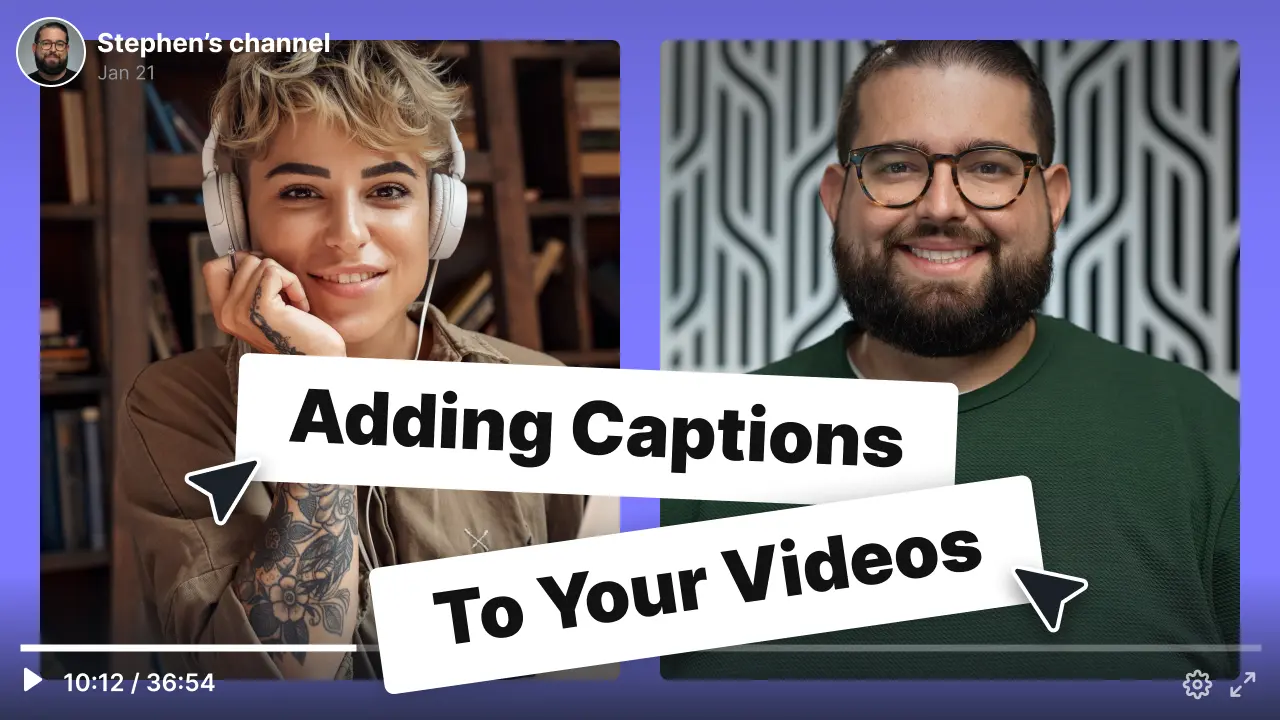
How to Add Subtitles to Videos on YouTube
Adding subtitles to videos on YouTube and other platforms is easy with Riverside's automatic transcriptions. We'll cover how to use SRT files to add captions to videos on YouTube, Premiere Pro & Final Cut. You'll also learn how to burn subtitles onto a video permanently.
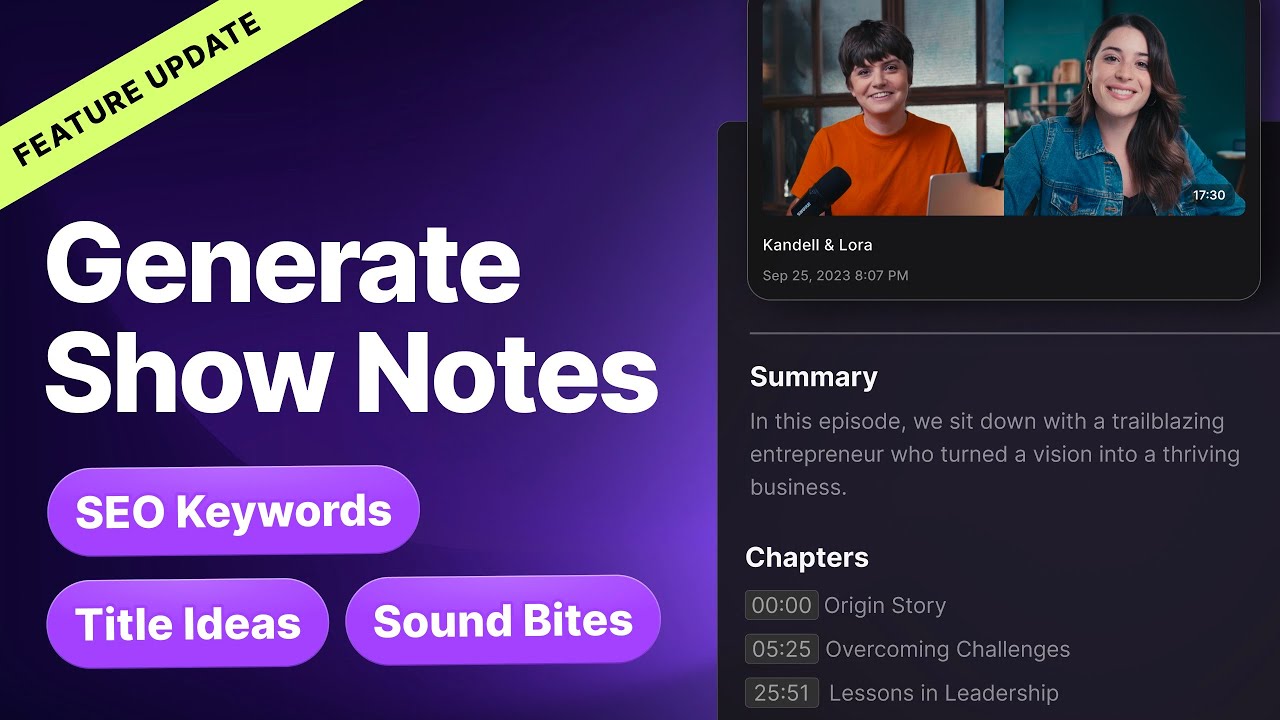
AI Show Notes: Now with Titles, Tags, and Sound Bites!
Riverside upgraded AI Show Notes to include takeaways, timestamps, and descriptions, PLUS new title suggestions, SEO keywords, and sound bites directly from your recordings! Perfect for enhancing your YouTube content and social media presence.
No items found.
Equipment
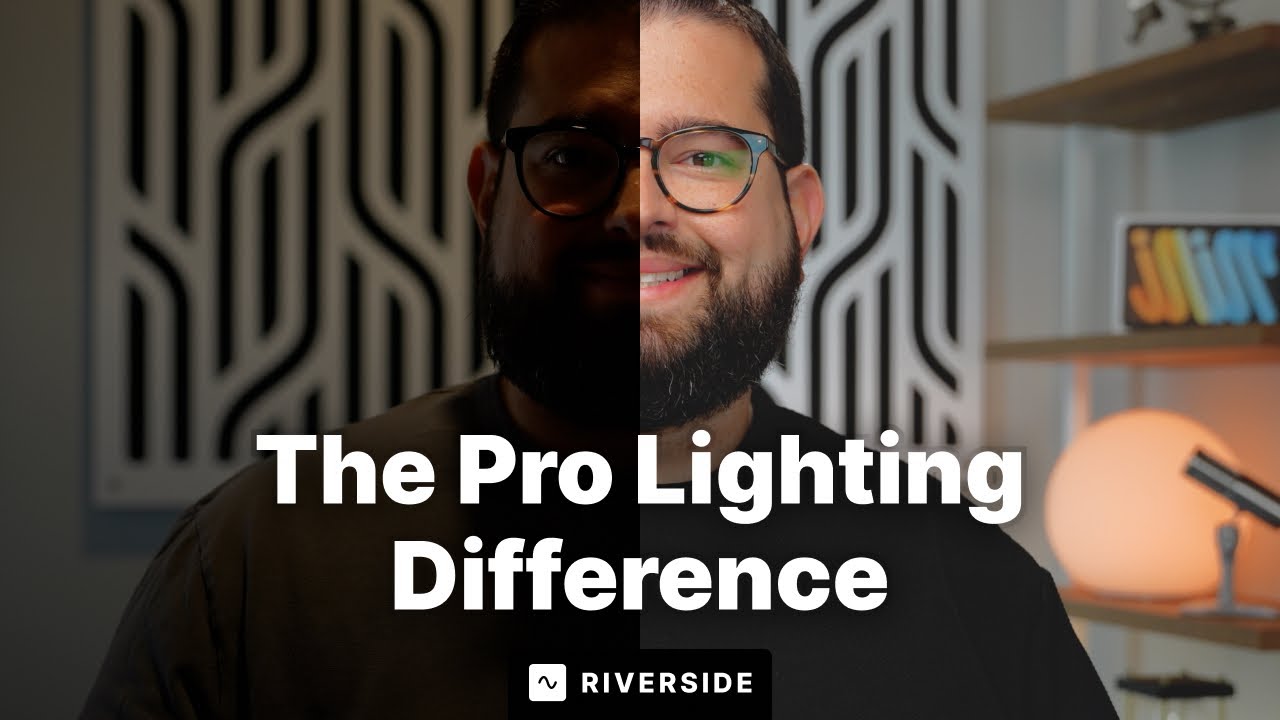
How to Setup Professional Lighting for Video At Home
Learn how to setup professional lighting for YouTube videos! Our 101 video lighting tutorial will teach you how to upgrade your content no matter your budget. We cover three-point lighting, intensity and color temperature tips, where to place lights, and more.
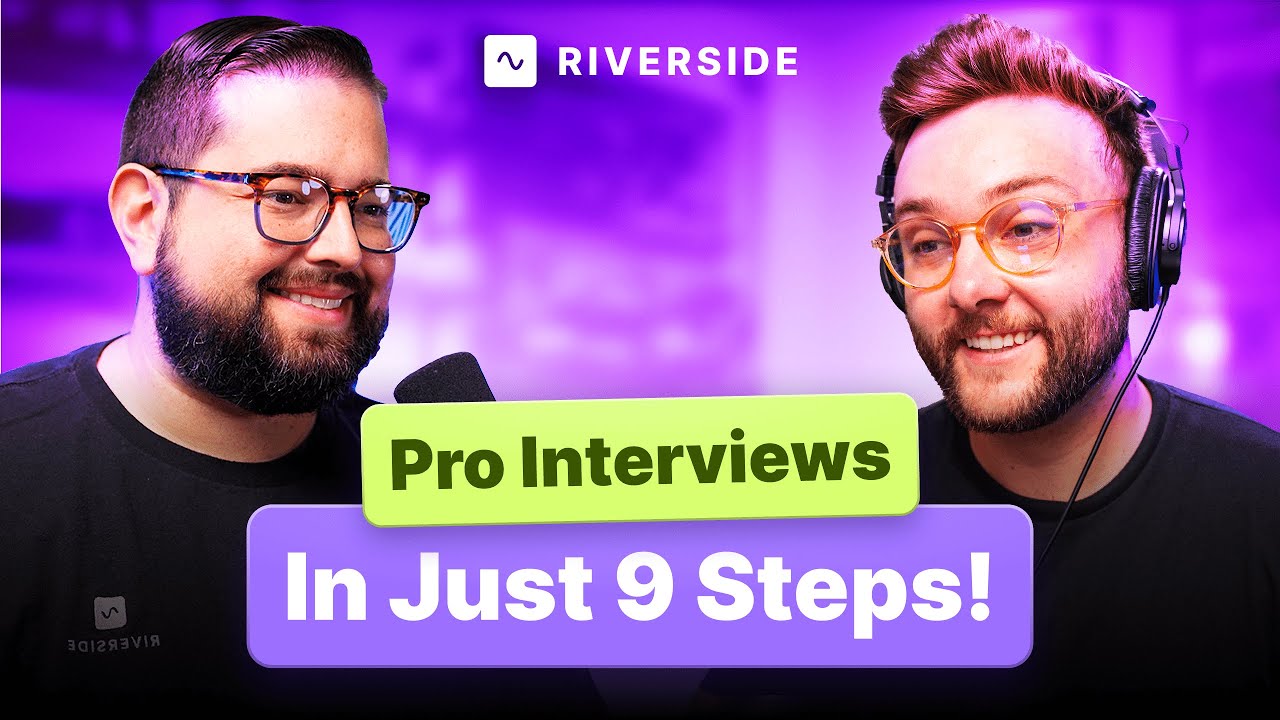
How to Record a Professional Interview in Top-Quality | 9 Steps
Master the art of recording professional interviews with these 9 essential steps! We'll share the secrets of capturing high-quality audio and video, setting up composition, lighting, equipment, choosing an ideal interview location, and more. Watch this video to learn how to record a professional interview video seamlessly!


Get Started
Recording
Editing
Equipment
Publishing & Promotion
See all videos
-->
Use cases
Podcasting
Software
Talking Head Videos
See all videos
-->
Everything you need to start creating


Start creating with Riverside

Features


English


