
Learning is in session
Welcome to Riverside U.


Beginner Basics
Get Started
Everything you need to hit record with confidence.
Learn More -->


Beginner - Advanced
Use Cases
Dive into the details of your specific need.
Learn More -->
Beginner - Advanced
Meet your classmates
Join the Conversation Creator community and learn the most by getting inspired by the best.
Join our growing community: Conversation Creators.
Join group -->


No results found
Try expanding your search.
Maybe you’ll like


Riverside Dashboard Walkthrough
Learn how to navigate through the Riverside dashboard where you can create and manage your recordings studios. We'll walk you through where to find studio recordings and how to share or download these high-quality audio and video tracks.
.webp)
Checklist for Smooth Recording with Riverside
Review a checklist to help you prepare the perfect setting, audio set-up and more for the best recording experience with Riverside.
Heading
More Recording videos
-->
No items found.
Equipment
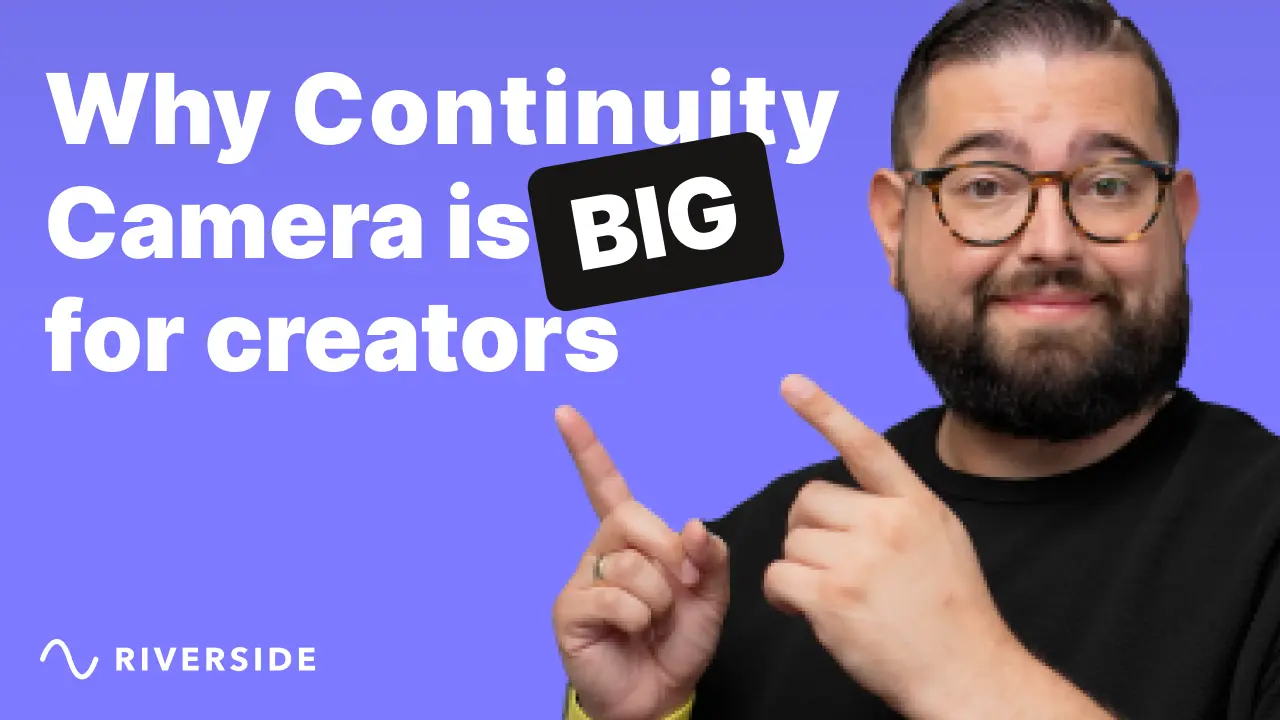
Why Continuity Camera Is Big for Creators
Using your iPhone as a webcam with Continuity Camera is a BIG deal for video creators! Podcasters can add high-quality video easily, remote guests will look even better during interviews, and sending a tech kit just got easier!
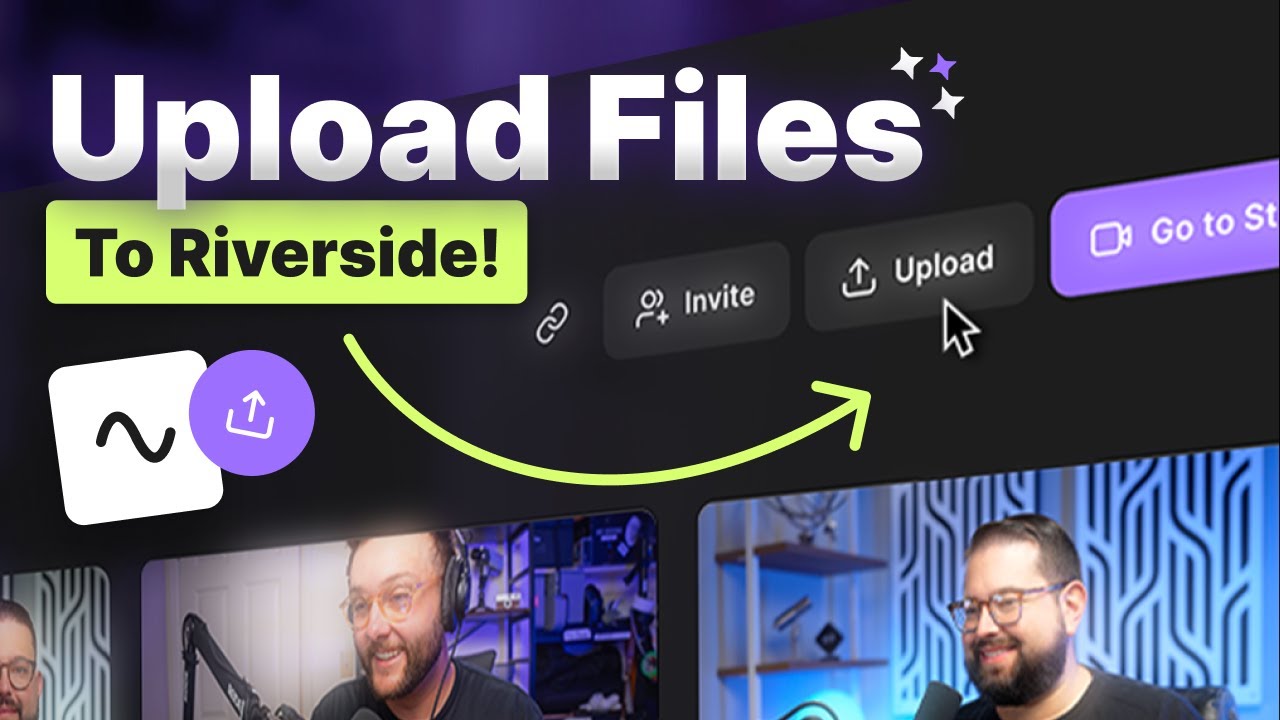
Upload files to Riverside
Discover how to seamlessly upload your pre-recorded video and audio into Riverside Studio for advanced editing features like AI transcriptions, Magic Clips, and customizable captions!
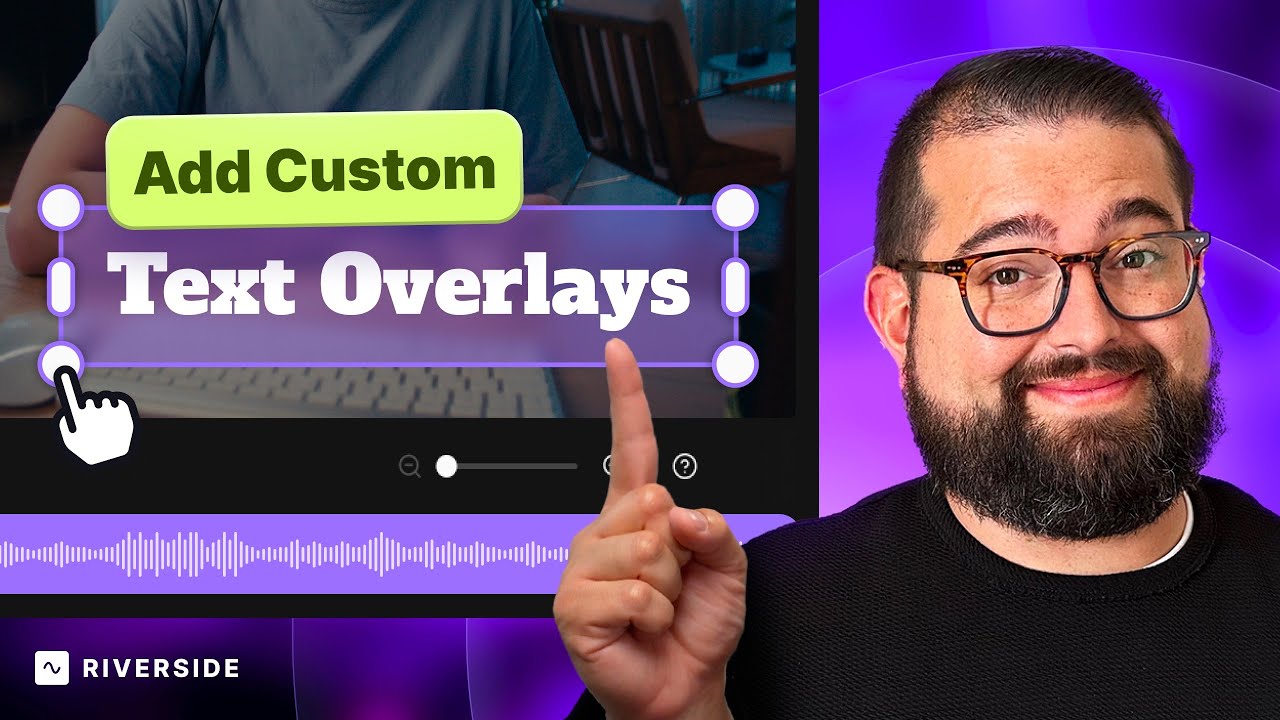
Text Overlays
Learn how to effortlessly add dynamic lower thirds, manipulate text styles, and leverage powerful editing tools within Riverside's editor. Riverside's text overlays are perfect for creators seeking to elevate their video content with personalized text elements.
.webp)
No items found.
Editing
Vertical Video Tips for TikTok, Reels and YouTube Shorts
Learn how to create fast-paced and engaging vertical videos for TikTok, Instagram Reels, and YouTube Shorts. We'll show you how to format a vertical video in Final Cut Pro and Adobe Premiere, plus how to easily create vertical clips with the Riverside Editor.


Get Started
Recording
Editing
Equipment
Publishing & Promotion
See all videos
-->
Use cases
Podcasting
Software
Talking Head Videos
See all videos
-->
Everything you need to start creating


Start creating with Riverside

Features


English


