
Learning is in session
Welcome to Riverside U.


Beginner Basics
Get Started
Everything you need to hit record with confidence.
Learn More -->


Beginner - Advanced
Use Cases
Dive into the details of your specific need.
Learn More -->
Beginner - Advanced
Meet your classmates
Join the Conversation Creator community and learn the most by getting inspired by the best.
Join our growing community: Conversation Creators.
Join group -->


No results found
Try expanding your search.
Maybe you’ll like


Riverside Dashboard Walkthrough
Learn how to navigate through the Riverside dashboard where you can create and manage your recordings studios. We'll walk you through where to find studio recordings and how to share or download these high-quality audio and video tracks.
.webp)
Checklist for Smooth Recording with Riverside
Review a checklist to help you prepare the perfect setting, audio set-up and more for the best recording experience with Riverside.
Heading
More Recording videos
-->
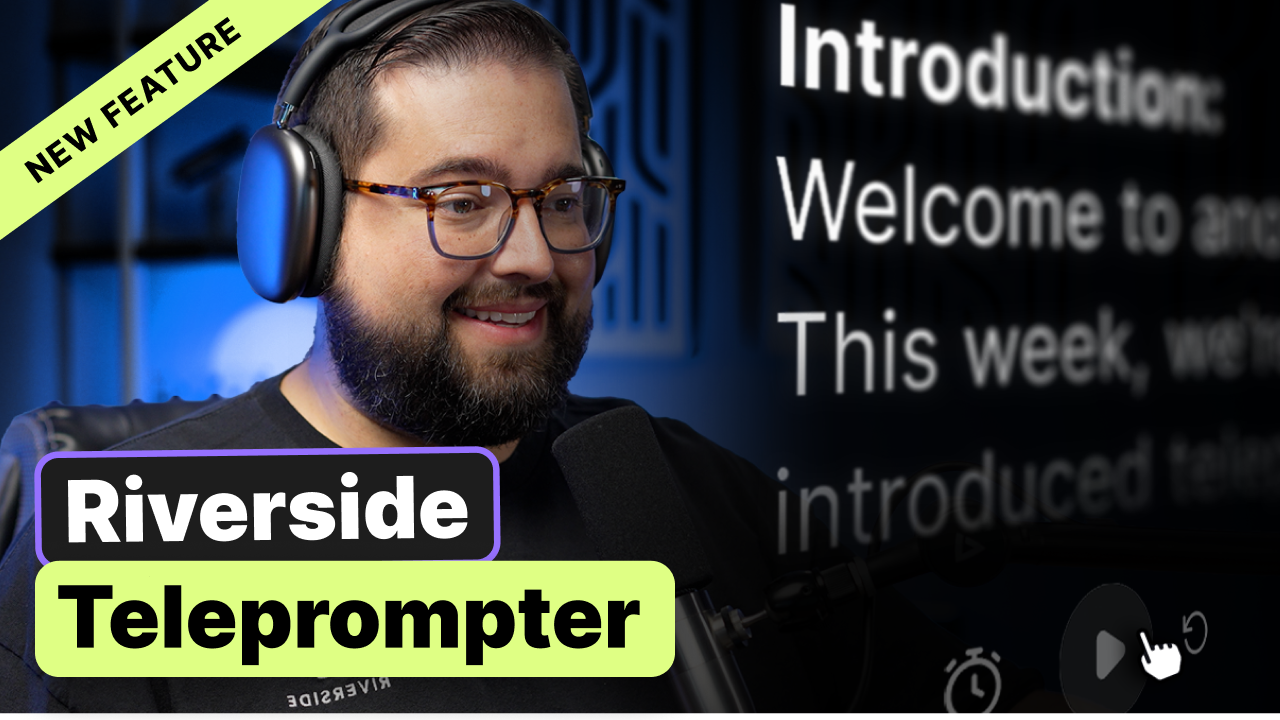
Teleprompter
Learn how to effortlessly integrate and utilize Riverside's newly-launched Teleprompter feature to level up your webinars and video recordings—complete with editing tips and best practices.
No items found.
Equipment
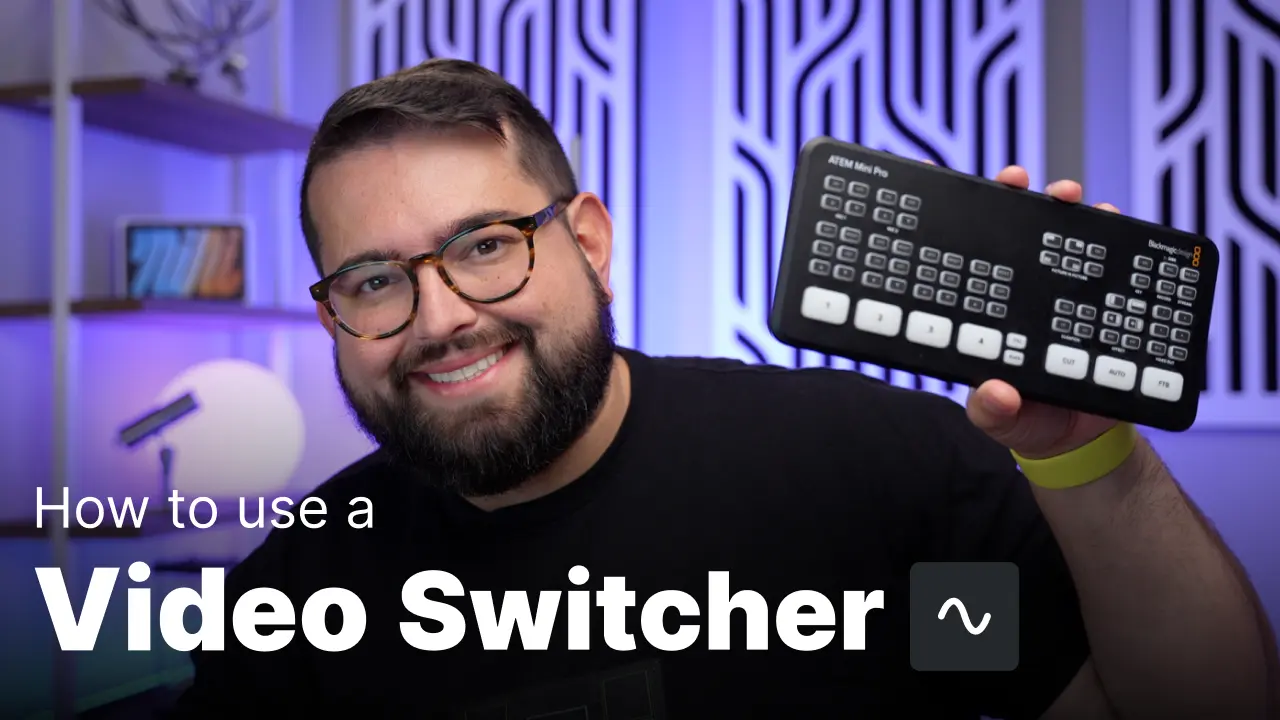
Using a Video Switcher for Remote Recording in Riverside
Learn how to use the Blackmagic ATEM Mini line of switchers, to bring multiple live camera shots in your remote podcast or video recording.
No items found.
Equipment
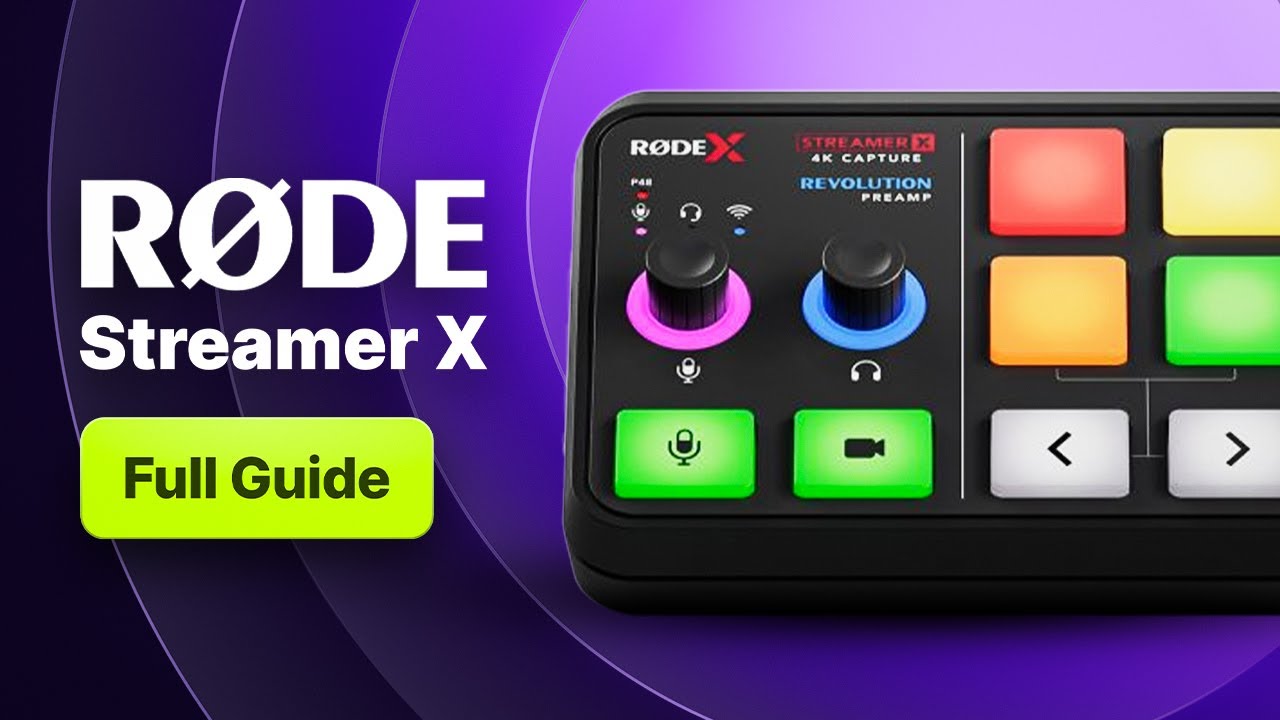
Ultimate Guide to RØDE Streamer X: Pro Recording and Live Streams
An audio and video powerhouse: RØDE Streamer X can simplify your entire setup for live streams and recordings. Learn about its intuitive controls, versatile connections, and how it works seamlessly with Riverside in our comprehensive setup guide.
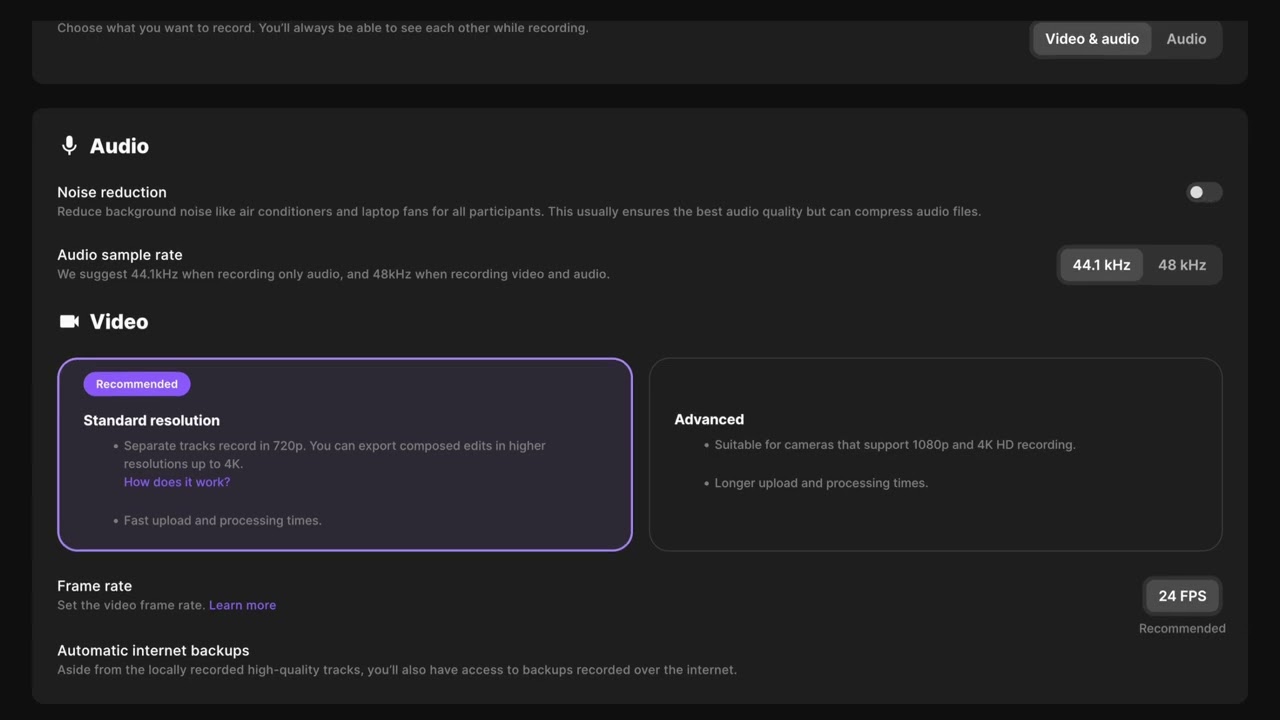
Studio and settings setup
Learn how to create and customize a new studio in your Riverside account with this step-by-step guide. From setting up audio and video recording options to enabling live streaming and advanced features, this tutorial covers everything you need to get started.


Get Started
Recording
Editing
Equipment
Publishing & Promotion
See all videos
-->
Use cases
Podcasting
Software
Talking Head Videos
See all videos
-->
Everything you need to start creating


Start creating with Riverside

Features


English


