
Learning is in session
Welcome to Riverside U.


Beginner Basics
Get Started
Everything you need to hit record with confidence.
Learn More -->


Beginner - Advanced
Use Cases
Dive into the details of your specific need.
Learn More -->
Beginner - Advanced
Meet your classmates
Join the Conversation Creator community and learn the most by getting inspired by the best.
Join our growing community: Conversation Creators.
Join group -->


No results found
Try expanding your search.
Maybe you’ll like


Riverside Dashboard Walkthrough
Learn how to navigate through the Riverside dashboard where you can create and manage your recordings studios. We'll walk you through where to find studio recordings and how to share or download these high-quality audio and video tracks.
.webp)
Checklist for Smooth Recording with Riverside
Review a checklist to help you prepare the perfect setting, audio set-up and more for the best recording experience with Riverside.
Heading
More Recording videos
-->
Full Portable Podcast Setup: Record Video Podcasts on the Road with Sony A7 IV, Shure MV7
Discover the perfect portable video podcasting setup for on-the-go recording. Utilizing equipment like the Sony A7 IV mirrorless camera and the Shure MV7 USB mic, this comprehensive guide will show you how to create professional video podcasts from anywhere. Subscribe for more insights and a full tour of the video podcasting and music studio!
Riverside for high-quality screen recordings
Discover how to effectively use screen sharing in Riverside to create visually engaging content during your webinars, live broadcasts, and tutorials. Learn step-by-step how to share your screen, present slides, and integrate audio seamlessly for a professional recording experience.
Riverside for voice overs
If you’re wondering how to record voice overs, this video is for you! Bridget will walk you through 5 tips that you haven’t thought of, to help you with the process of recording a voice over. Make sure to stick around until tip 5 for a bonus tip that will make editing a voice over so much easier.
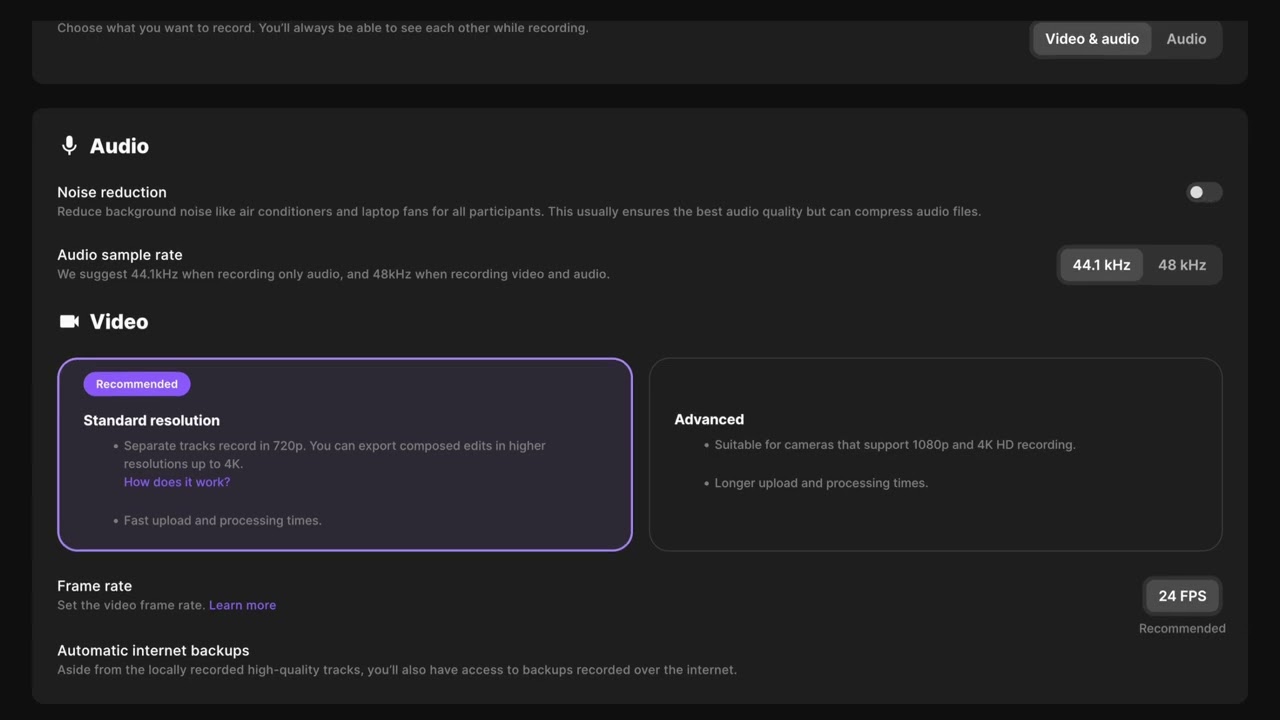
Studio and settings setup
Learn how to create and customize a new studio in your Riverside account with this step-by-step guide. From setting up audio and video recording options to enabling live streaming and advanced features, this tutorial covers everything you need to get started.


Get Started
Recording
Editing
Equipment
Publishing & Promotion
See all videos
-->
Use cases
Podcasting
Software
Talking Head Videos
See all videos
-->
Everything you need to start creating


Start creating with Riverside

Features


English


